MENU SYSTEM : MENU OPERATION
4
02.9690.0001 A 15 April 2010 45
[ESC] button. Displays the menu, or if at first level, the current address. Also used to return to
previous menu item or to exit.
[ENTER] button. Selects the current menu option or stores current data value.
[Up] / [Down] / [Left] / [Right] arrows. Scrolls menu options upward or increases current data
value.*
* LCD Display automatically sets to hanging orientation. See Disp Tilt in the “Menu System Func-
tion Chart” on page 48
.
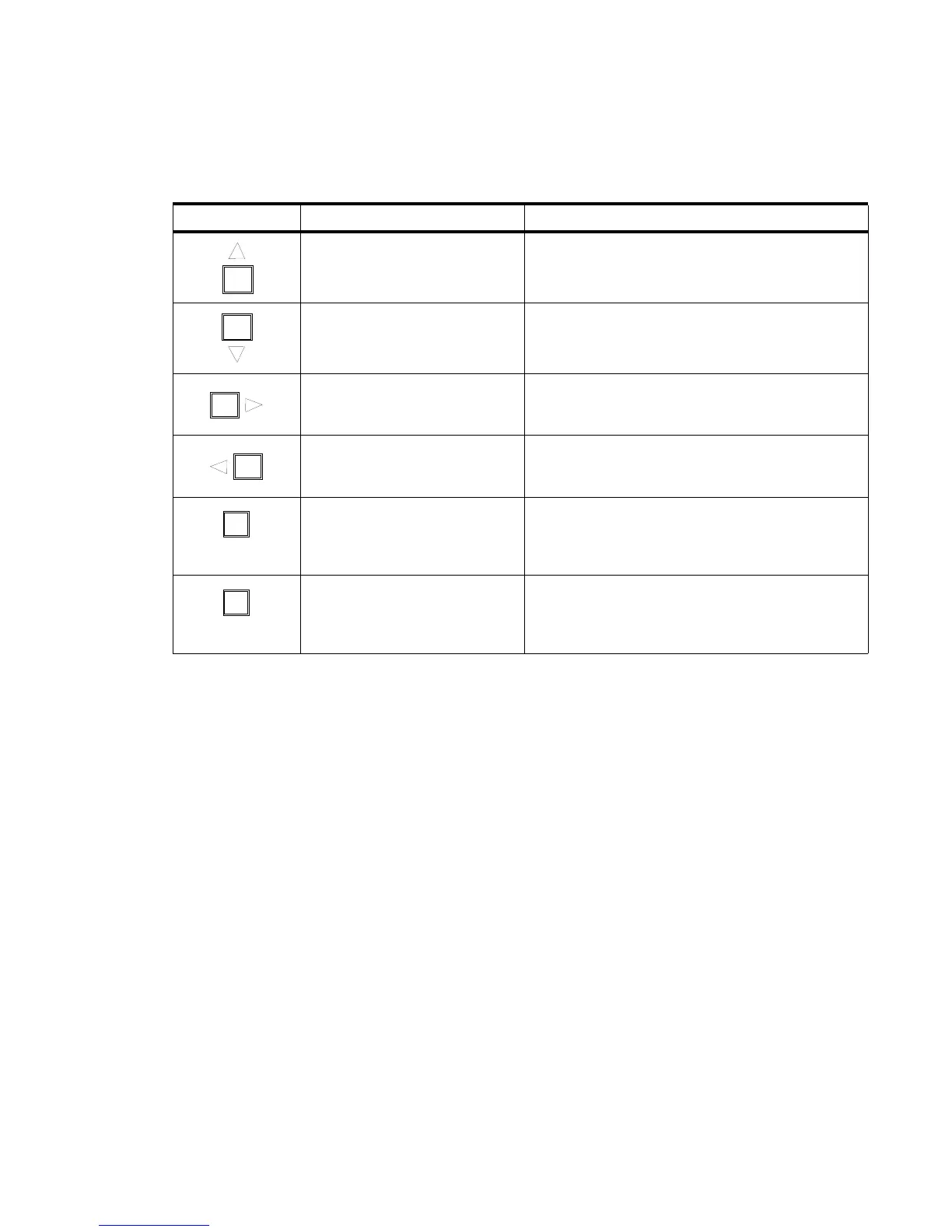
Table 1-1: Menu Control Buttons
Button Description Action
Up Arrow Menu Navigation / Data Selection
Down Arrow Menu Navigation / Data Selection
Right Arrow Menu Navigation / Data Selection
Left Arrow Menu Navigation / Data Selection
ENTER
Enter Button To Select or Change a Setting or Data Value
ESC
Escape Button
Used to Access Main Menu Parameters, Exit, or
Return to Previous Menu Item











 To Next Page