TROUBLESHOOTING AND MAINTENANCE
A
02.9690.0001 A 15 April 2010 61
Front Lens Removal and Cleaning
Tools:
• #2 Phillips screwdriver
• Slotted Screwdriver
• Refer to the list of cleaning materials in “Special Cleaning and Care Instructions” on page 60
WARNING: Ensure that power is completely removed from luminaire before attempting any work.
Always wear eye protection and proper gloves when performing this procedure.
To clean from lens assembly and optics:
Step 1. Remove power from luminaire and allow unit to completely cool.
Step 2. Carefully set luminaire on upper enclosure, rotate head as shown in Figure A-2, and engage
tilt lock.
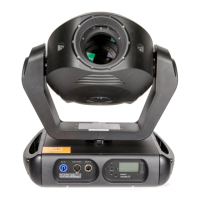
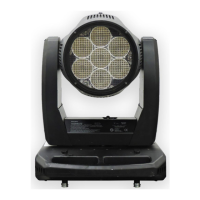
Figure A-2: VLX™ Wash Luminaire
Step 3. Remove front head cover by unlatching both head cover latches. Please note that one side of
front cover is secured by a safety tether. Locate clip attached to luminaire and unclip tether.
Luminaire Head
CAUTION:
Remove power and
allow fixture to cool.
Upper Enclosure
Front Cover Latch
Front Head Cover
(one on each side of cover)









 To Next Page