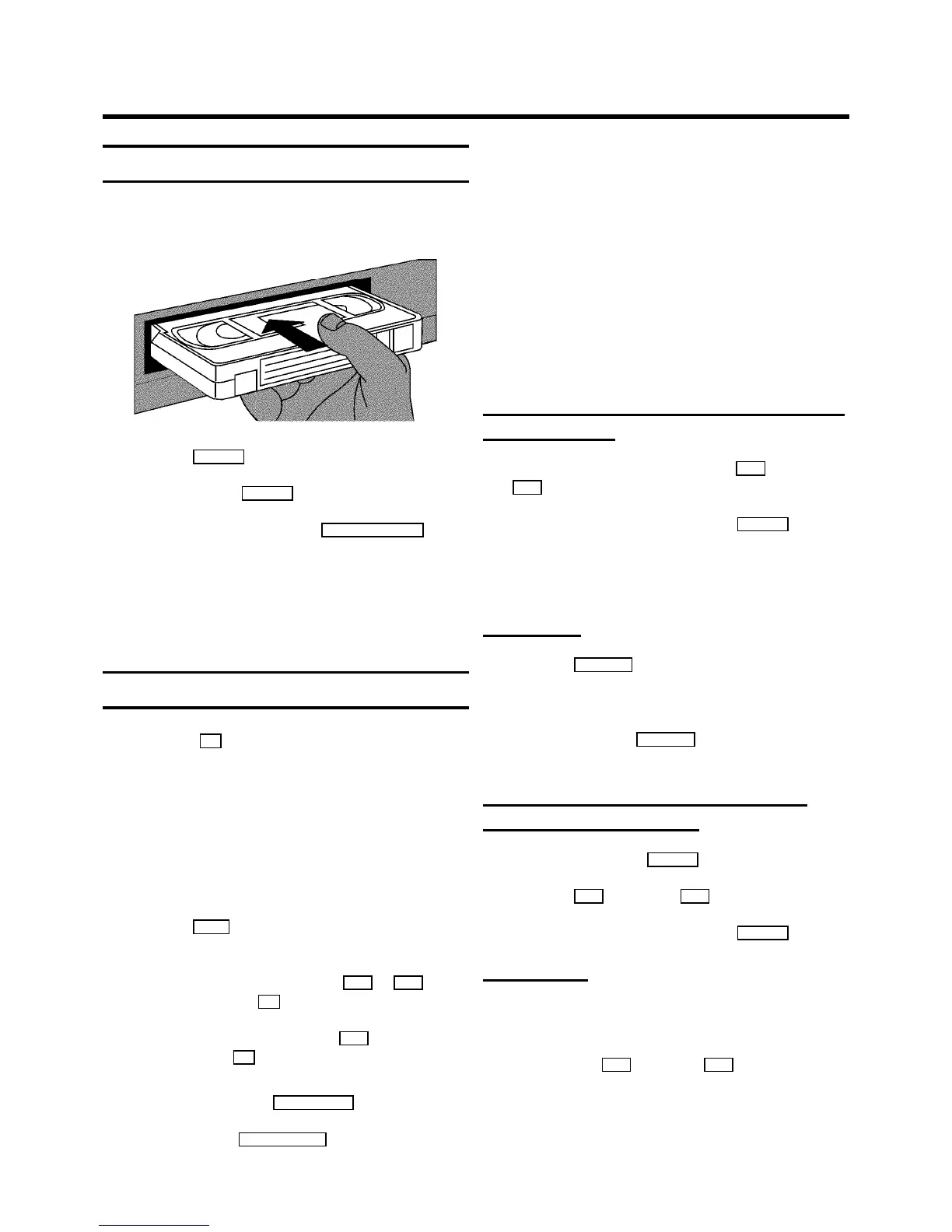
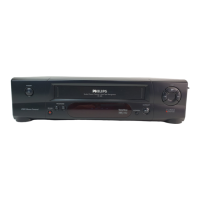
Playing a cassette
a Put a cassette intothe cassette slot.’v’ will appear on
the display.
b Press the PLAY G button.
c To stop, press the STOP h button.
d To eject the cassette,press the STOP/EJECT ? button
on the video recorder.
DSome functions switch offautomatically after a
while (for example,pause, still picture,picture
search). This helpsto protect the cassetteand
avoids wasting power.
Tape position indication
By pressing the OK button, you can showthe present tape
position on the TV screen.
If you want to seethe tape position, youcan select ’LINEAR
COUNTER’ (to show the presentposition on the tapein hours,
minutes and seconds)or ’TIME LEFT’.
a Switch on the TV set.If required, selectthe programme
number for the videorecorder.
b Press the MENU button on the remotecontrol. The main
menu will appear.
c Select the line ’COUNTER’ withthe P q or P r button
and confirm with the OK button.
d Select the type ofcounter with the P q button and
confirm with the OK button.
DTo reset the tape position ’LINEAR COUNTER’to
’0:00:00’,press the CLEAR (CL), y button.
e To end, press the TV/STANDBY m button.
DThis video recorder will automaticallyrecognise the
length of the tape.
DWhen you put a cassette inthe video recorder and
you want to see ’TIME LEFT’,the video recorder
must firstcalculate the time played.Therefore, ’-:--’
appears first andonly after the tape hasbeen
running for a few secondsthe playing time willbe
shown.
DIf the video recorder does notfind a recording at a
certain tape positionwith ’LINEAR COUNTER’
switched on, the counterwill stop.
Searching for tape positionwith the picture
(picture search)
a While a cassetteis playing, pressthe [ (reverse) or
I (forward) button once or severaltimes.
b To stop at a certainpicture, press the PLAY G button.
DDuring picture search, the picturequality may not be
so good and there willbe no sound.
Still picture
a Press the STILL R button. A still picture will appearon
the screen.
Interference stripeswill appear on the screen.
b Each time you press STILL R again, the picture will
move on one step.
Searching for tape positionwithout the
picture (wind and rewind)
a Stop the tape with the STOP h button.
b Press the [ (reverse) or I (forward) button.
c To stop at a certainpicture, press the STOP h button.
Instant View
With this functionyou can switch to picturesearch during
wind and rewind.
a If you hold the [ (rewind) or I (wind) button
during wind or rewind,you will switch topicture search.
b When you release thebutton, the video recorderwill
automatically switchback to rewind or wind.
4. PLAYBACK FUNCTIONS
12


 To Next Page