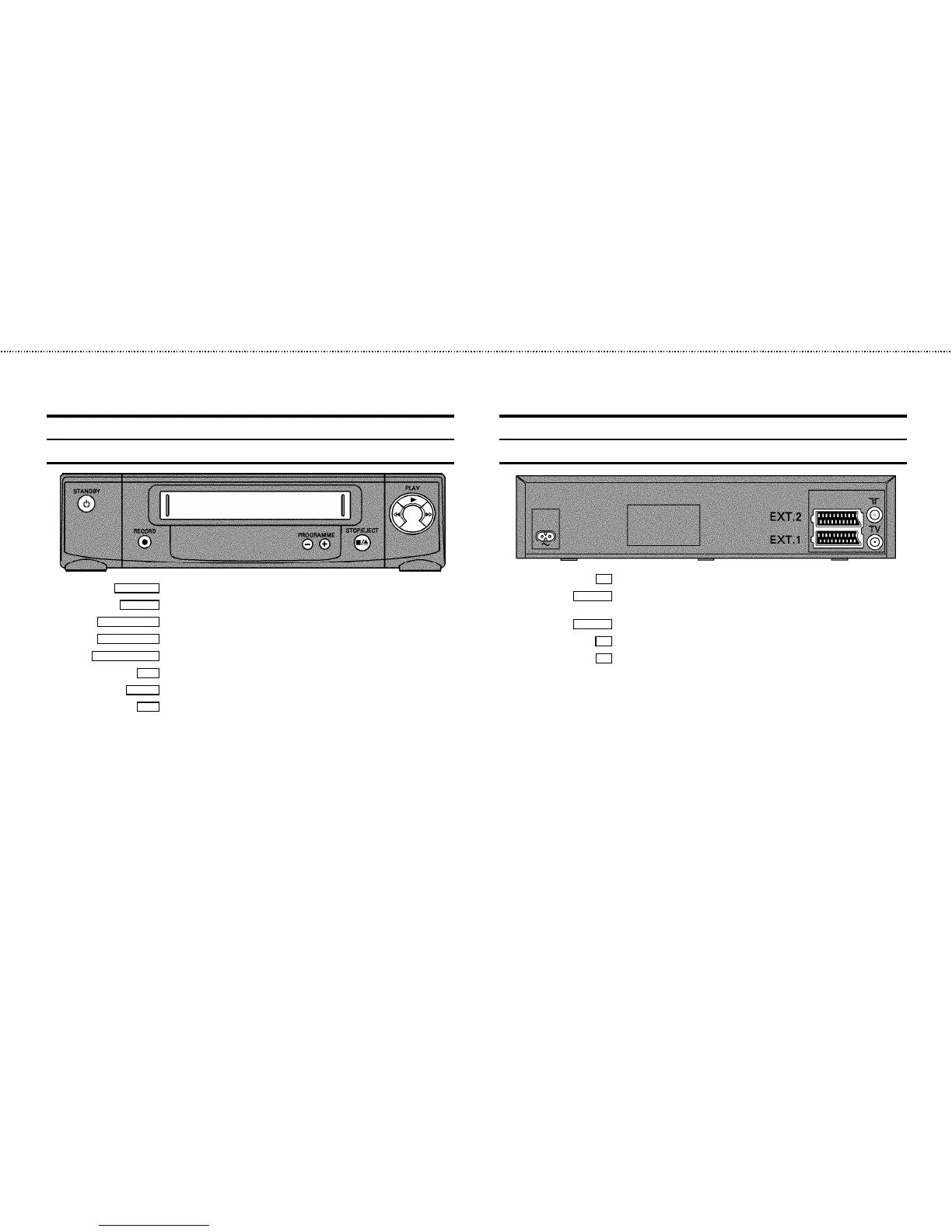
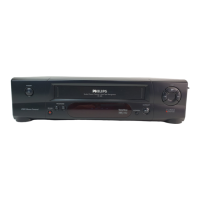
Front of the set
STANDBY m Standby : To switch off, interrupt a function, interrupta programmed recording (TIMER)
RECORD n
Record: To record the programme selected
PROGRAMME r
Select: One line or programme number down.
PROGRAMME q
Select: One line or programme number up.
STOP/EJECT ?
Pause/Stop, eject cassette:To stop the tape and eject the cassette
H
Rewind : During STOP and STANDBY:rewind, during PLAYBACK:reverse scanning
PLAY G
Playback : To play a cassette
I
Forward wind: During STOPand STANDBY: forward wind, duringPLAYBACK: forward
scanning
Back of the set
4 Mains socket: To connect the mains cable
EXT.2 AV 2
Scart socket 2: To connect a satellitereceiver, decoder, video recorder, etc. (programme
number ’
E2’)
EXT.1 AV 1
Scart socket 1: To connect the TVset (programme number ’E1’)
2
Aerial input socket: To connectthe aerial cable
3
Aerial output socket: To connectthe TV set
&


 To Next Page