30
4 Start to Use
4.1 Power On/Off
please recharge the device for three hours before using it
for the first time!
When not taking voice recording, on anyother interface,
users can press MENU button for 2 to 3 seconds to return
to main interface. After the screen backlight off, the touch
buttons will not work, Touch buttons can be available while
slide the power button for 1 or 2 seconds.
If the device cannot work normally, please make sure the
device is not out of power.
When the battery indicator “ ” is displayed, please
charge the device promptly.
Note
Note
Note
•
•
•
•
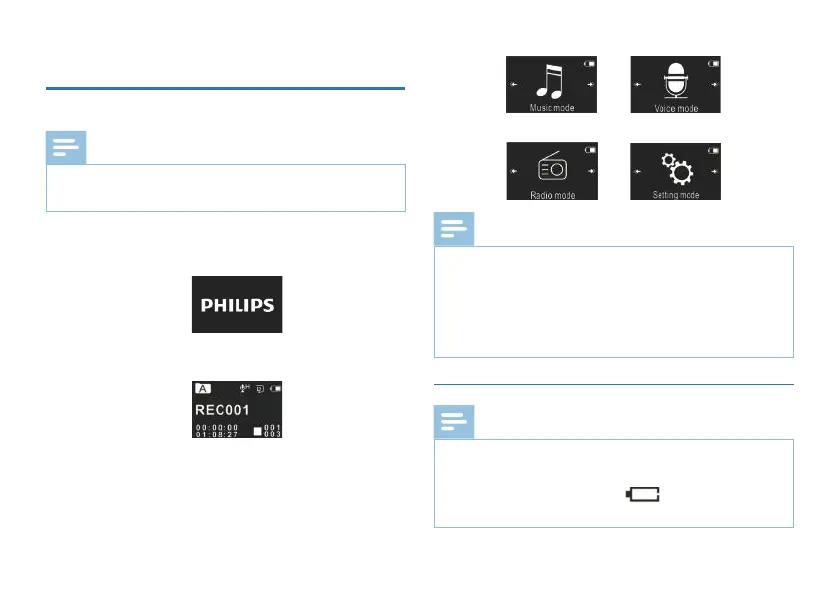
Slide and hold POWER button for 2 seconds, the device starts
automatically and then displays “PHILIPS”, as shown below.
Then the device displays the play-stop interface:
Press MENU button for 2 to 3 seconds to return to the main
interface. The main interface includes four modes. The following
four pictures show the modes respectively: Voice, Music, Radio
and Setting Mode.














 To Next Page