42
Replay gap means the time gap between two repeats. You can
choose the “Replay gap” from the Playing Menu then press
MENU button to enter Replay gap setting. Use “+” and “-” to
adjust Replay gap setting.
7.1.5 Replay gap
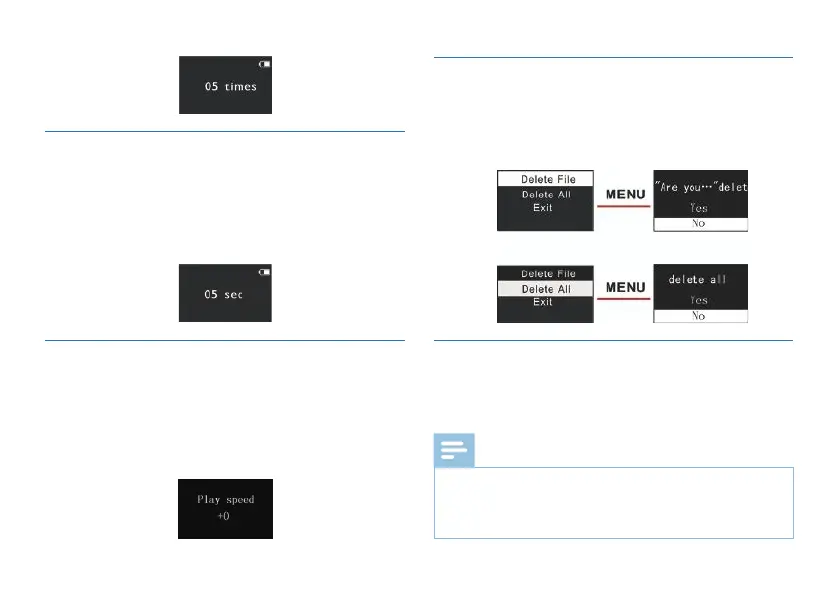
When playing, short press SPEED to enter the Play Speed
setting interface. With screen displaying a value of play speed,
press “+” or “-” to turn up or turn down the play speed. See
the below related reference pictures:
On the play-stop interface, shortly press the MENU button, the
below menu pops up with modes: Delete file, Delete All and
Exit. See the below interface picture:
This product supports "*.lrc" lyrics files, realizing the synchronous
broadcasting of songs and lyrics.
7.2 Playing Mode
7.3 Delete Files
7.4 The lyrics displayed
Lyrics file's name and the name of the song files need to be
consistent.
If the current song file matches with lyrics file, the music
Note
1
2














 To Next Page