46 47
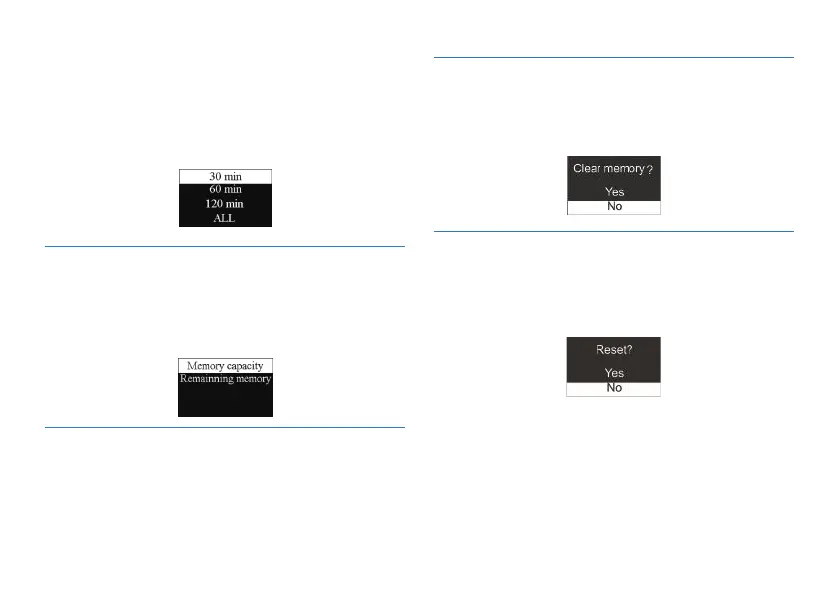
You can check the memory capability and the remaining
memory of this device by using this function. See the following
picture:
You can check the device’s firmware version by using this
function.
You can format the device’s internal storage by using this
function. See the below picture:
You can restore to default settings by using this function. See the
below picture:
On this interface, you can set a start time for automatic
recording. For setting time please refer to “System Time Setting”.
The second function is the recording duration. You can set
the recording duration to 30, 60, 120 minutes or infinite. The
recording duration setting as follows:
9.7 Memory info
9.8 Firmware Version
9.9 Clear memory
9.10 Reset default setting














 To Next Page