38
6. Auto divide feature recording
During the course of recording, the auto divide feature
recording enables recordings to be saved automatically into
a new file every 30 or 60 minutes and resume recoding
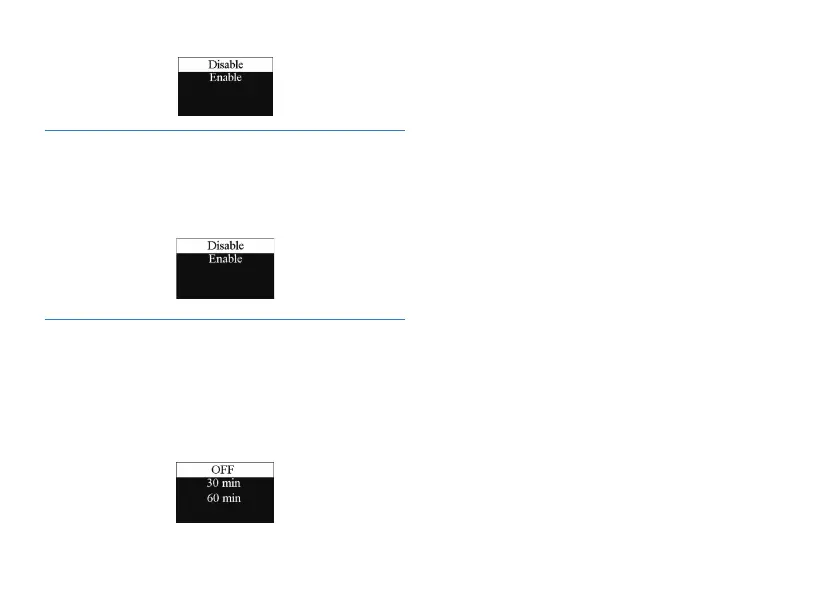
automatically. The auto divide feature recording interface is as
follows:
5. The Listen In function
After activating the Listen In function, you can connect an
earphone to listen if there’s any sound output. See the Listen in
function setting interface picture as follows:















 To Next Page