13
English
Controls (illustrations on page 3)
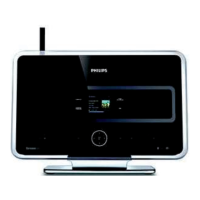
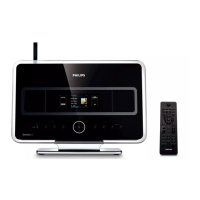
Controls on the Station ( front
panel)
1 SAME ARTIST
– HD: plays all the tracks of current artist
SAME GENRE
– HD: plays all the tracks of current genre
SMART EQUALIZER
– HD: selects match sound setting for current
genre
MENU
– enters or exits setup menu
2 Display
– shows status of Station
3 MUSIC FOLLOWS ME
– HD: moves music playback betweenCenter and
Station or between Station and Station.
DBB (Dynamic Bass Boost)
– turns the bass enhancement on (DBB1, DBB2,
DBB3) or off
INCR. SURROUND
– selects surround sound effect
VIEW
– toggles playback display and previous option list
4 ACTIVE
– HD: lights up green when streaming is activated
between Center and Station
5 IR
– sensor for the infrared remote control
Helpful hints: Always point the remote control
towards this sensor.
6 VOLUME -, +
– adjusts the volume level
7 STOP
– stops playback
– In standby mode: activates/ deactivates the
demostration mode (press and hold the button for
5 seconds)
8 1 / 2 / 3 / 4
–navigation controls (left, right, up, down) to scroll
through the option list
1
– HD: returns to previous option lists
– Radio: enters the list of preset stations
3 / 4
– HD: skips/searches tracks/passage backward/
forward (in playback screen); fast scrolls the
option list
– Radio: tunes to radio stations
2 / OK
– confirms selection
OK
– HD: starts or pauses playback
9 MUTE
– switches the sound off temporarily
0 SOURCE
– selects sound source HD, Radio or AUX
– In standby mode: switches Station on and selects
sound source HD, Radio or AUX
! STANDBY-ON/ ECO POWER
– press briefly to switch Station on or
to standby mode;
– press and hold to switch Station to Eco Power
mode or on
p001-p038_WAS700_37_Eng 2005.7.4, 11:2113







 To Next Page