22
English
Auto-standby
● When the set has reached the end of playback/
recording and remains in the stop position for
more than 5 minutes, the set will switch to
standby automatically to save power.
Volume control
1 Check the playback starts.
2 Adjust the volume with VOL +/- buttons.
➜ Display shows the volume bar, indicating the
volume level.
Basic functions
Switching to standby/on and
selecting functions
1 When the set is on, press STANDBY-ON/
ECO POWER to switch it to standby (or y
on the remote control)
➜ Display shows GoodBye. Then,
Station: ➜ The PHILIPS screen dims out
2 To switch on, press STANDBY-ON/ ECO
POWER on the set
➜ The set switches to the last source selected.
OR
On the remote control, press the source button
(e.g. TUNER/AUX, Center).
3 To select your function, press SOURCE once
or more on the set (or Center, TUNER/AUX
on the remote control)
Switching to Eco power/ on
In the power-saving Eco power mode, the set’s
display and Wi-Fi connection are turned off.
1 When the set is on, press and hold STANDBY-
ON/ ECO POWER to switch it to Eco
power (or y on the remote control).
➜ The display is switched off.
2 To switch on, press and hold STANDBY-ON/
ECO POWER (or y on the remote control)
or press and hold SOURCE on the set
➜ The set switches to the last source selected.
Helpful hints:
– In the standby/Eco power mode, the settings of
networking, sound, display and language, the tuner
presets, and the volume level (maximum: the
moderate level) will be retained in the set’s
memory.
MUTE
During playback, you can temporarily switch off
the sound without switching off the set.
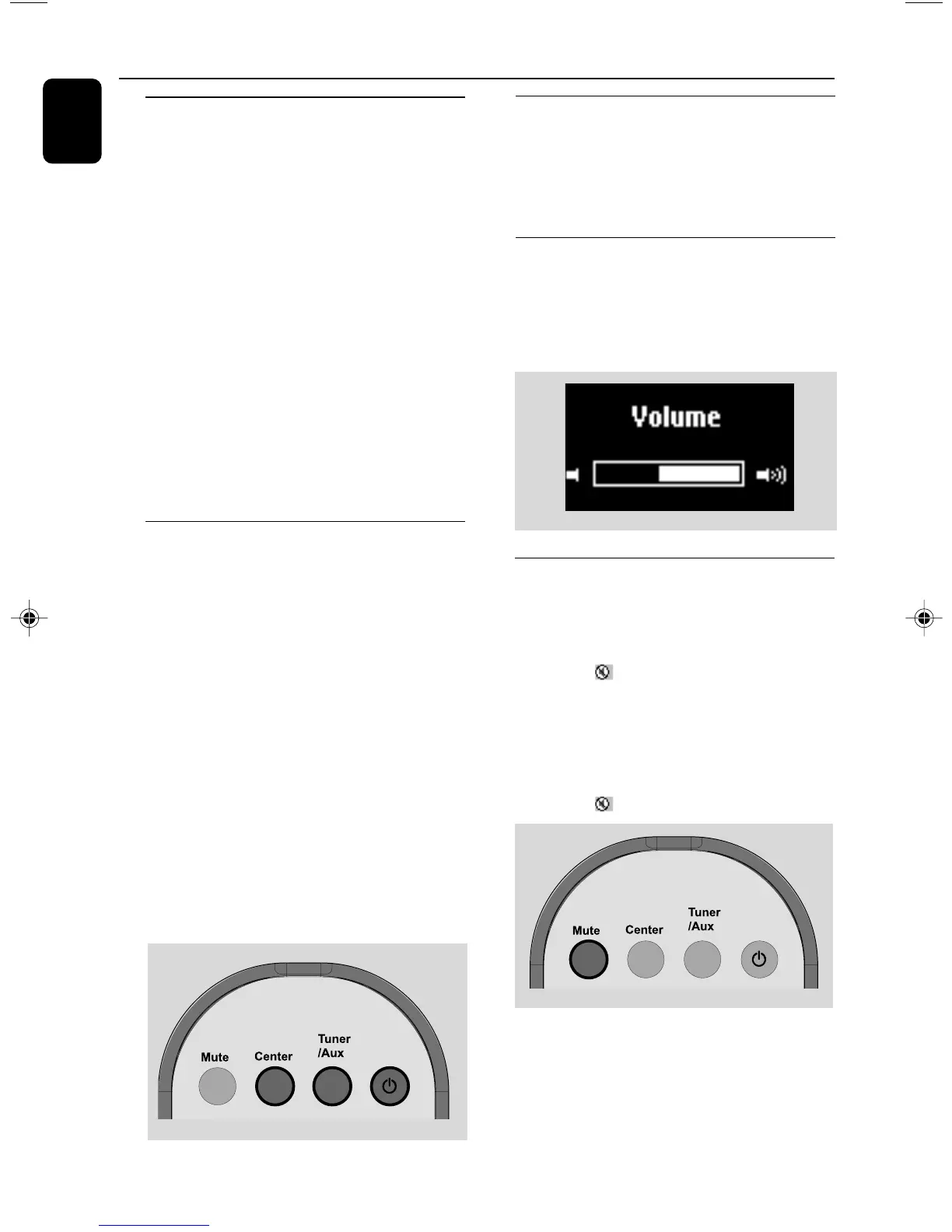
1 Press MUTE to switch off the sound.
➜ The icon appears. Playback continues
without sound.
2 To switch on the sound, press MUTE again or
adjust the volume with VOL +/-
– You can also switch on the sound by activating
MUSIC BROADCAST on the Center
➜ The icon disappears
p001-p038_WAS700_37_Eng 2005.7.4, 11:2122















 To Next Page