30
English
Tuning to radio stations
1 Check the set is switched on or to standby
(See Basic functions, Switching on/to
standby and selecting functions,
Switching to Eco power/ on)
2 Press SOURCE once or more to select Radio
(on the remote control, press TUNER/AUX
once or more)
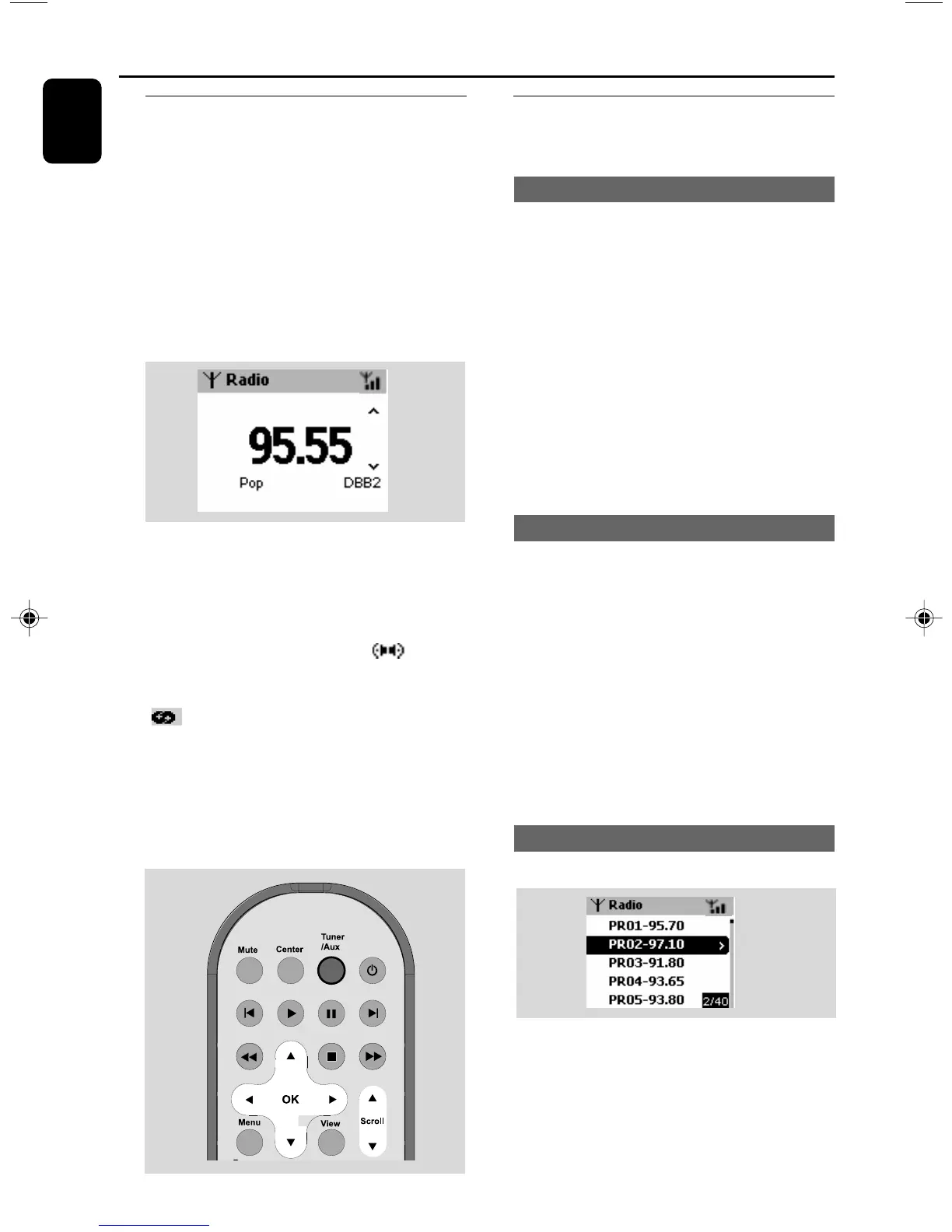
➜ Playback screen appears. Display shows:
Radio, r adio station frequency and If
programmed, a preset number.
3 Press and hold 3 or 4 until the frequency
in the display starts running.
➜ The radio automatically tunes to a station of
sufficient reception. Display shows searching
during automatic tuning
➜ If a station is received in stereo, is
shown.
➜ When you are receiving an RDS station,
is shown.
4 Repeat step 3 if necessary until you find the
desired radio station.
● To tune to a weak station, press 3 or 4
briefly and repeatedly until optimal reception is
found.
Storing preset radio stations
You can store up to 40 preset radio stations in
the memory.
Autostore: automatic programming
Autostore automatically starts programming
radio stations from preset 1. Available stations
are programmed in the order of radio
frequencies: RDS stations followed by FM
stations. Maximum 10 RDS stations will be
stored (from Preset 1 to Preset 10).
● To select Autostore radio,
a. Press MENU.
b. Use the navigation controls 3 or 4 and 2 to
select
➜ Display shows: Autostore Please wait...
➜ After all stations are stored, the first autostore
preset station will then automatically play.
Manual programming
1 Tune to your desired radio station (see Tuning
to radio stations)
2 On the remote control, press Program to store
the station.
➜ The station is stored in the 1st vacant preset
position. Display shows its preset number.
3 Repeat steps 1-2 to store other stations.
Helpful hints:
– If you store more than 40 stations, the new
station will replace the 1st preset station.
To listen to a preset station
1 Press 1 to enter the list of presets
2 Use the navigation controls 3 or 4 and 2 to
select the desired station
FM radio
p001-p038_WAS700_37_Eng 2005.7.4, 11:2130















 To Next Page