21
English
Preparation
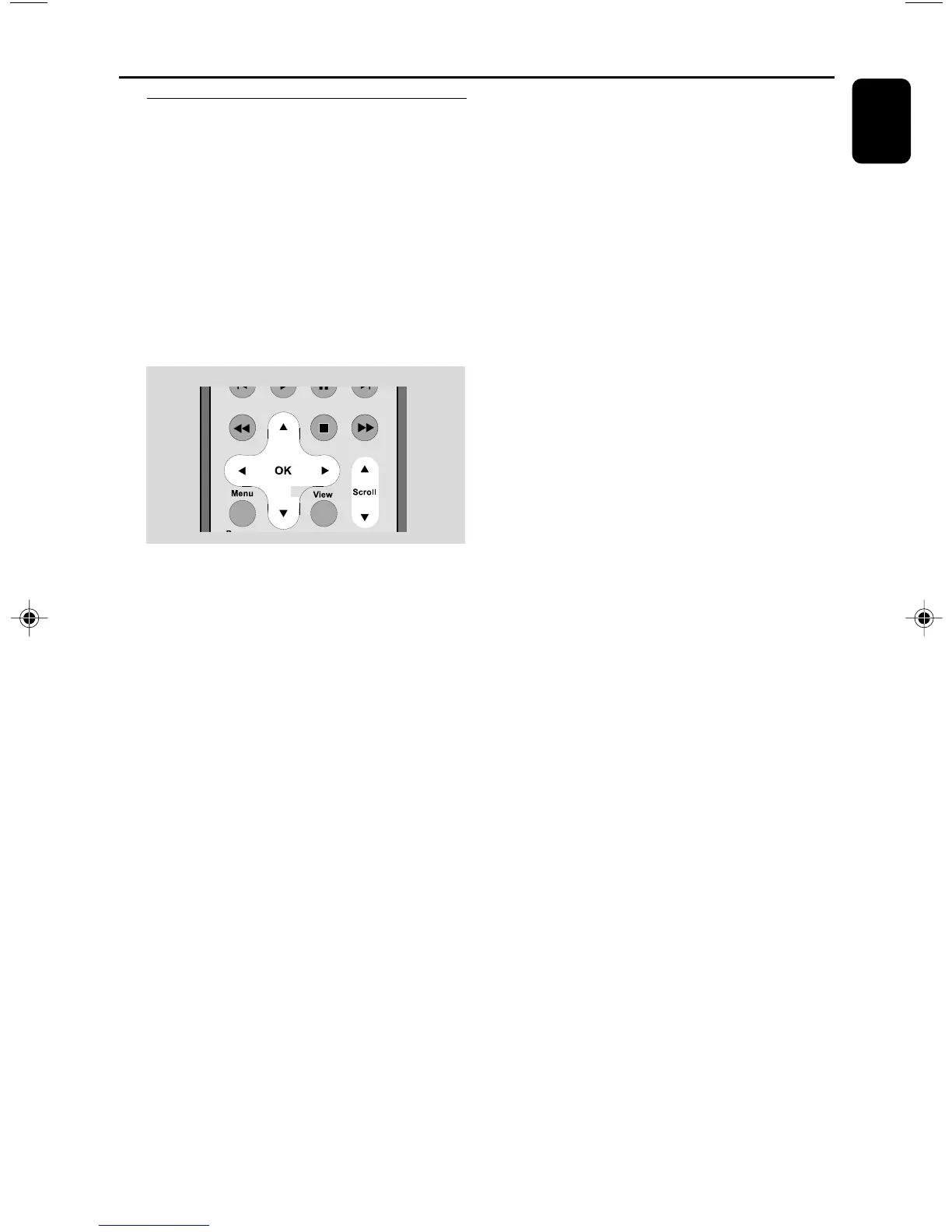
Using the navigation controls
When selecting options on the set’s screen, you
often need to use the navigation controls 1 / 2
/ 3 / 4.
1 Press 3 / 4 to highlight an option.
2 Enter its submenu by pressing 2.
3 Press 1 to return to the previous option list
screen.
4 Press OK or 2 to confirm
p001-p038_WAS700_37_Eng 2005.7.4, 11:2121















 To Next Page