32
English
AUX/ SLEEP
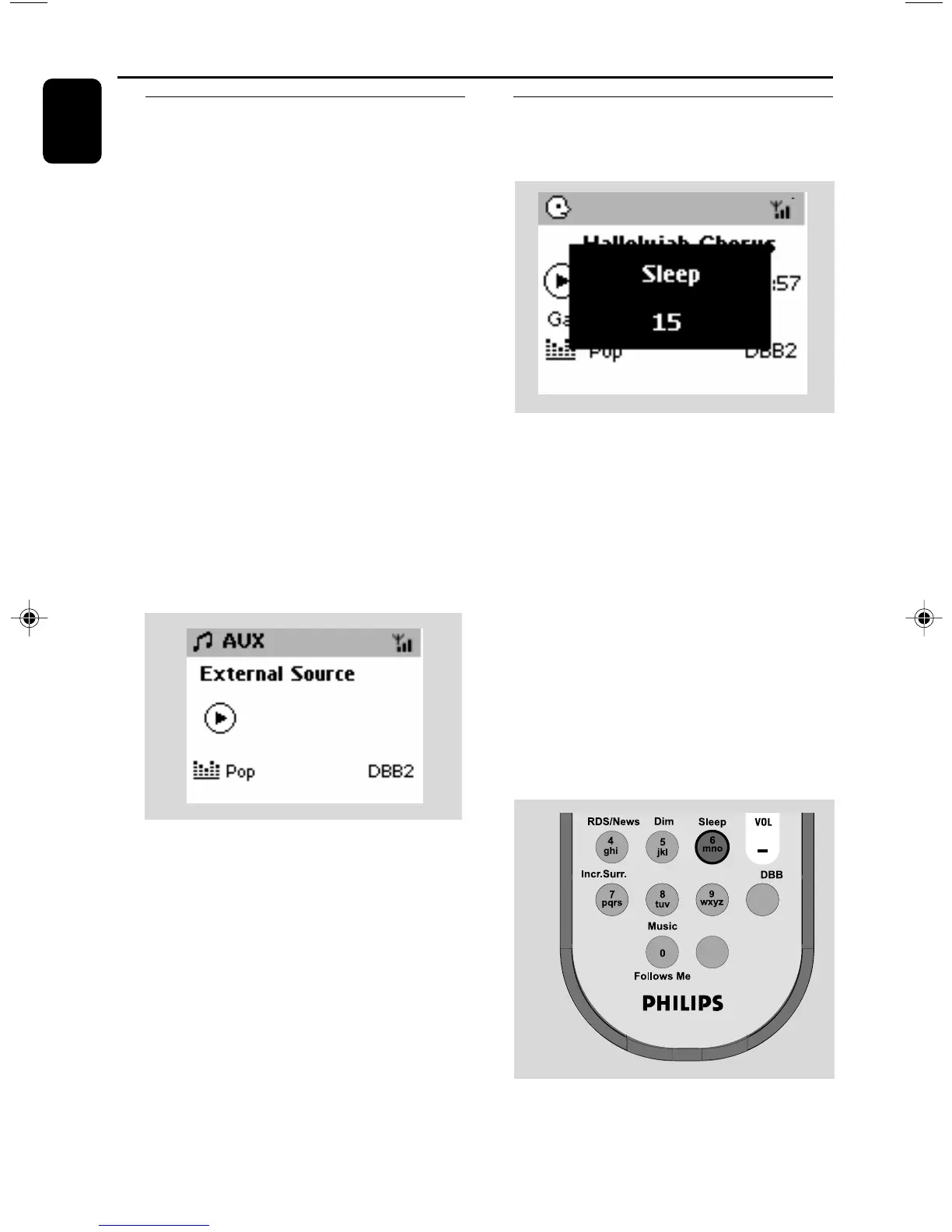
AUX (Listening to an external
source)
You can listen to the sound of the connected
external device through your Station
1 Check the external device has been properly
connected. (See Installation, Connecting an
additional appliance)
2 Check the set is switched on or to standby (See
Basic functions, Switching on/to standby
and selecting functions, Switching to Eco
power/ on)
3 Press SOURCE once or more to select AUX
(on the remote control, press TUNER/AUX
once or more)
4 To avoid noise distortion, turn down the volume
on your external device.
5 Press the PLAY key on the connected device to
start playback.
6 To adjust the sound and volume, use the sound
controls on your external device and the
WAS700.
SLEEP
You can set a certain period of time after which
the Station will switch to standby.
1 On the remote control, press SLEEP
repeatedly to select the desired time period
options (in minutes):
➜ Display shows in sequence: Sleep 15, 30,
45, 60, 90, 120, Off
➜ Display shows the selected option briefly and
returns to its previous status. The icon Z
Z
appears.
2 To view the time countdown to the standby
mode, press SLEEP again.
To deactivate the sleep timer, press
SLEEP until Sleep Off is displayed.
or
Press STANDBY-ON/ ECO POWER to
switch the set to standby (or y on the remote
control)
Same Artist Same Genre
Smart EQ
p001-p038_WAS700_37_Eng 2005.7.4, 11:2232















 To Next Page