23
English
Basic functions
Sound control
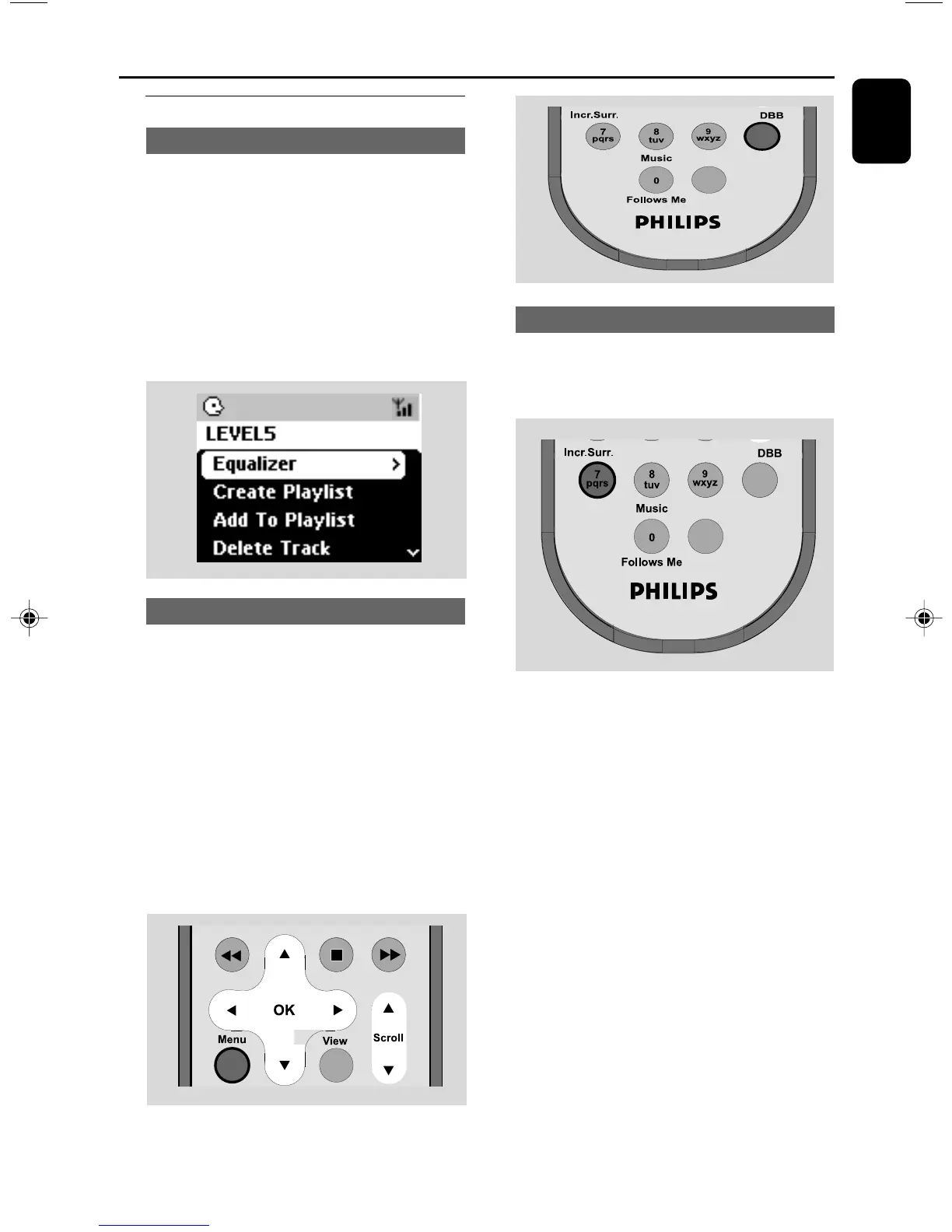
Equalizer
Equalizer enables you to select predefined
sound settings.
1 Press MENU to enter the MENU screen
2 Use the navigation controls 3 or 4 and 2
to select Equalizer
3 Press 3 or 4 and 2 to select Rock, Pop,
Jazz, Neutral (default), Techno or Classical
4 Press OK or 2 to confirm.
Bass adjustment
● Press DBB (Dynamic Bass Boost) once or
more to select your option: DBB OFF (by
default), DBB 1, DBB 2 or DBB 3
● To select Bass/Treble options:
1 Press MENU to enter the MENU screen
2 Use the navigation controls 3 or 4 and 2
to select Equalizer
3 Press 3 or 4 and 2 to select Bass/Treble
4 Press 1 / 2 / 3 / 4 to select your options:
Treble (+3 to -3), Bass (+3 to -3)
Same Artist Same Genre
Smart EQ
Incredible surround
● Press Incr. Surr. once or more to turn the
surround sound effect on or off.
➜ Display shows IS ON or IS OFF.
Same Artist Same Genre
Smart EQ
p001-p038_WAS700_37_Eng 2005.7.4, 11:2123















 To Next Page