27
English
Different play modes: REPEAT,
SHUFFLE
– plays the current track continuously
– repeats all the tracks (under current artist,
genre or album )
– repeats all the tracks (under current
artist, genre or album) in random order
– tracks (under current artist, genre or
album) are played in random order
1 During playback, press once or more REPEAT
or/ and SHUFFLE to select play modes.
2 To return to normal playback, press REPEAT or
SHUFFLE repeatedly until the various modes
are no longer displayed.
SMART EQUALIZER
This function enables you to playback music of
current genre with the match sound settings.
● During playback, press SMART EQUALIZER
➜ The icon appears if SMART
EQUALIZER is activated.
● To deactivate SMART EQUALIZER, adjust
the sound settings (DBB, Tr eble/Bass setting,
Incr. Surr. or Equalizer)
➜ The sound settings will be changed. The icon
disappears.
Smart EQ
Creating Playlist: custom
collection of your favorite music
On Center’s hard disk., you can create up to 99
playlists consisting of your favorite tracks in the
desired sequence.
1 Check the Station is switched on or to standby
● also check the Center is switched on or to
standby
2 Use the navigation controls 1 / 2 / 3 / 4 to
highlight the desired track/album (see Selecting
and searching)
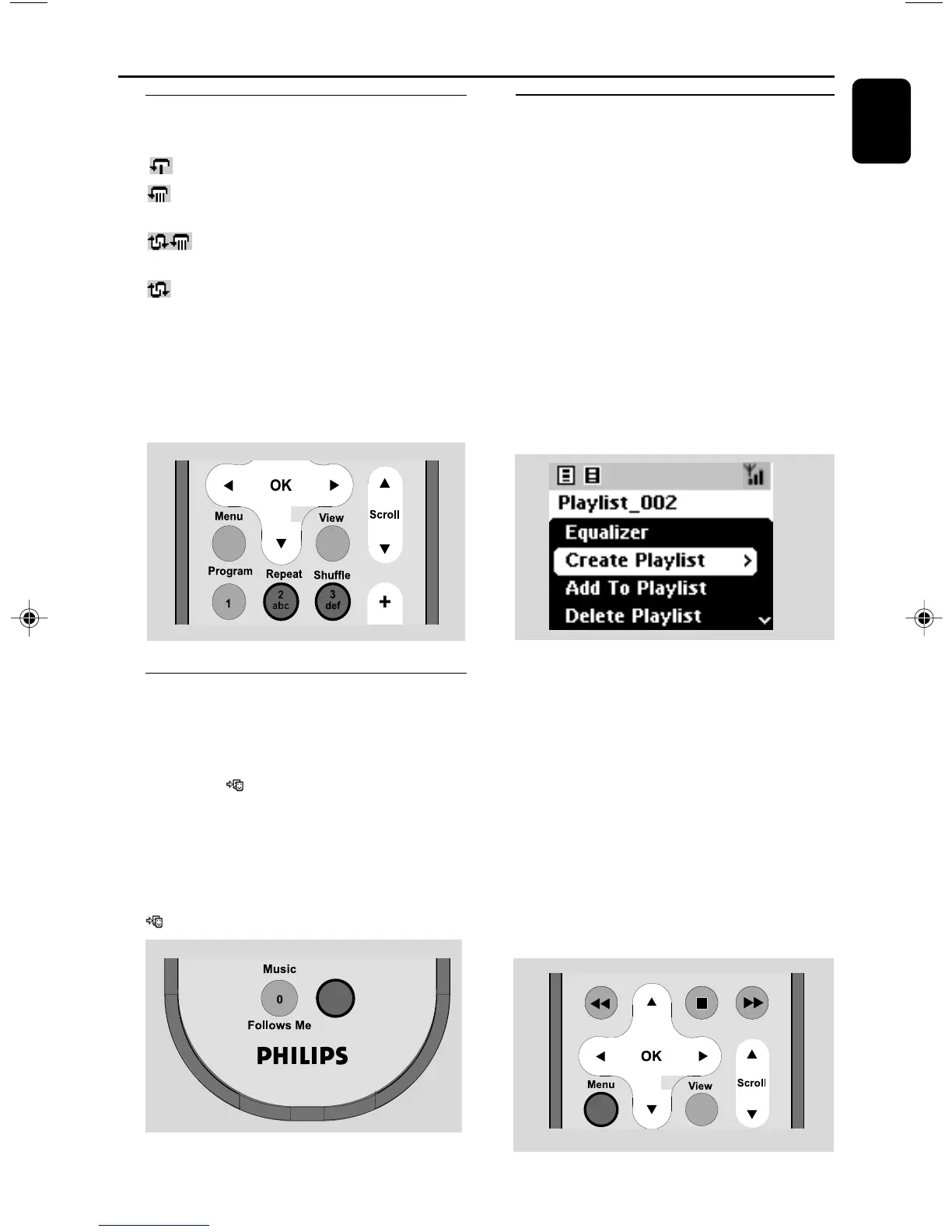
3 Press MENU to enter the MENU screen
4 Use the navigation controls 3 or 4 and 2
to select Create Playlist
➜ A new playlist is created. Display shows:
Playlist created. To add tracks, select
“ Add to Playlist”.
5 To select Add to Playlist,
a. Press MENU to enter the MENU screen
b. In the MENU screen, use the navigation
controls 3 or 4 and 2 to select
➜ A list of playlists appears
6 Use the navigation controls 3 or 4 and 2
to select the desired playlist
➜ Display shows: Track(s) added to playlist
7 Repeat steps 1, 4 , 5 to select and store all
desired tracks in this way.
HD (located on Center)
p001-p038_WAS700_37_Eng 2005.7.4, 11:2127















 To Next Page