for WP4161/01 and WP4161/91 only
Notes:
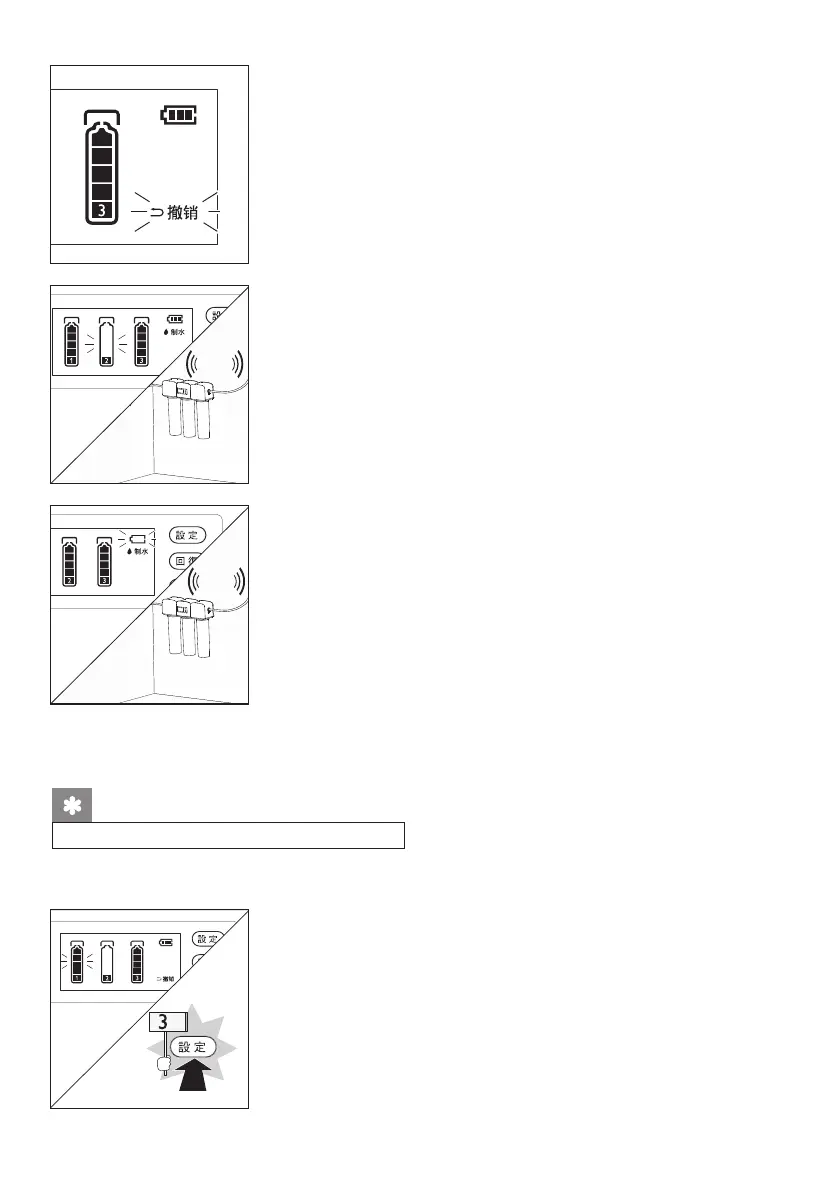
(5) Undo icon: When entering the setting state, the “Undo”
icon will ash.
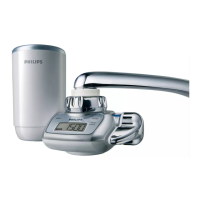
(6) Filter cartridge life icon: The life of each-level lter
cartridge is displayed in real time. When the life of lter
element is too low, the ltration system will intermittently
blare, and the corresponding “Filter Cartridge Life” icon
will ash.
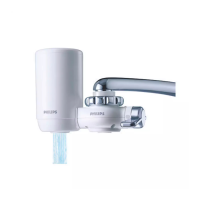
(7) Battery life icon: The battery power is displayed in real
time. When the power is too low, the water ltration
system will intermittently blare, and the “Battery Life”
icon will ash. In this case, please replace the battery
within one week.
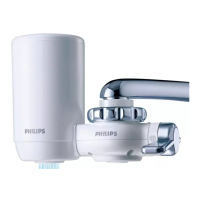
(1) Press any button to light up the display screen. Long
press the “Settings” button for 3 seconds to enter the
setting status.
Filter cartridge life reset
After replacing the lter cartridge, please reset its service life
21
s
Bee
Bee










 To Next Page