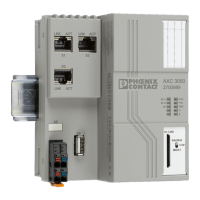
How to Reset the AXC F 2152
Contents
Introduction ................................................................................................................................ 2
Types of resets .......................................................................................................................... 2
1 - Reboot .............................................................................................................................. 2
1.1 - Physical button on the AXC F 2152:............................................................................ 2
1-2 – In PLCnext Engineer .................................................................................................. 3
1-3 In SSH session ............................................................................................................. 4
2 – Type 1 Reset .................................................................................................................... 5
2-1 Physical button on the AXC F 2152 .............................................................................. 5
2-2 In PLCnext Engineer ..................................................................................................... 6
2-3 In SSH Session ............................................................................................................. 7
3 – Type 2 Reset .................................................................................................................... 8
3-1 Physical button on the AXC F 2152 .............................................................................. 8
3-2 In SSH Session ............................................................................................................. 9

 Need help?
 General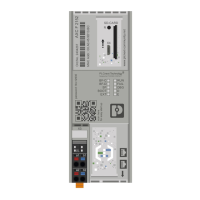



 To Next Page