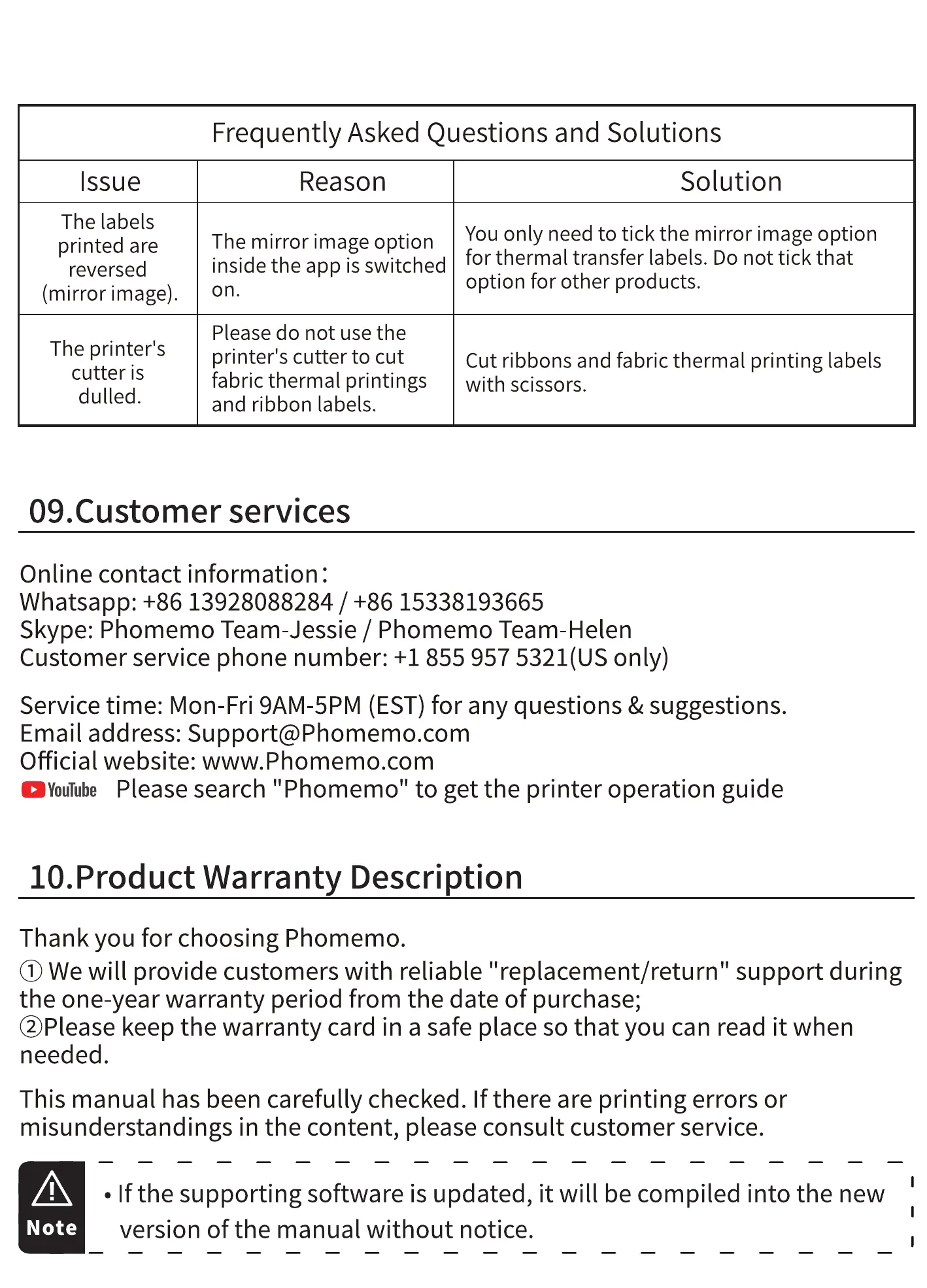
Frequently Asked Questions and Solutions
Issue
The labels
printed are
reversed
(mirror image).
The printer's
cutter is
dulled.
Reason
Solution
You only need to tick the mirror image option
The mirror image option
insidetheappisswitchedforthermaltransferlabels.Donottickthat
on.
Please do not use the
printer's cutter to cut
fabric thermal printings
and ribbon labels.
option for other products.
Cut ribbons and fabric thermal printing labels
with scissors.
09.Customer services
Online contact information :
Whatsapp: +86 13928088284 / +86 15338193665
Skype: Phomemo Team-Jessie / Phomemo Team-Helen
Customer service phone number: +1 855 957 5321(US only)
Service time: Mon-Fri 9AM-5PM (EST)for any questions & suggestions.
Email address: Support@Phomemo.com
Official website: www.Phomemo.com
OYouTube Please search "Phomemo" to get the printer operation guide
10.Product Warranty Description
Thank you for choosing Phomemo.
@ We will provide customers with reliable "replacement/return" support during
the one-year warranty period from the date of purchase;
@Please keep the warranty card in a safe place so that you can read it when
needed.
This manual has been carefully checked. If there are printing errors or
misunderstandings in the content, please consult customer service.
Note
• If the supporting software is updated, it will be compiled into the new
version of the manual without notice.



 To Next Page