08. Frequently asked questions
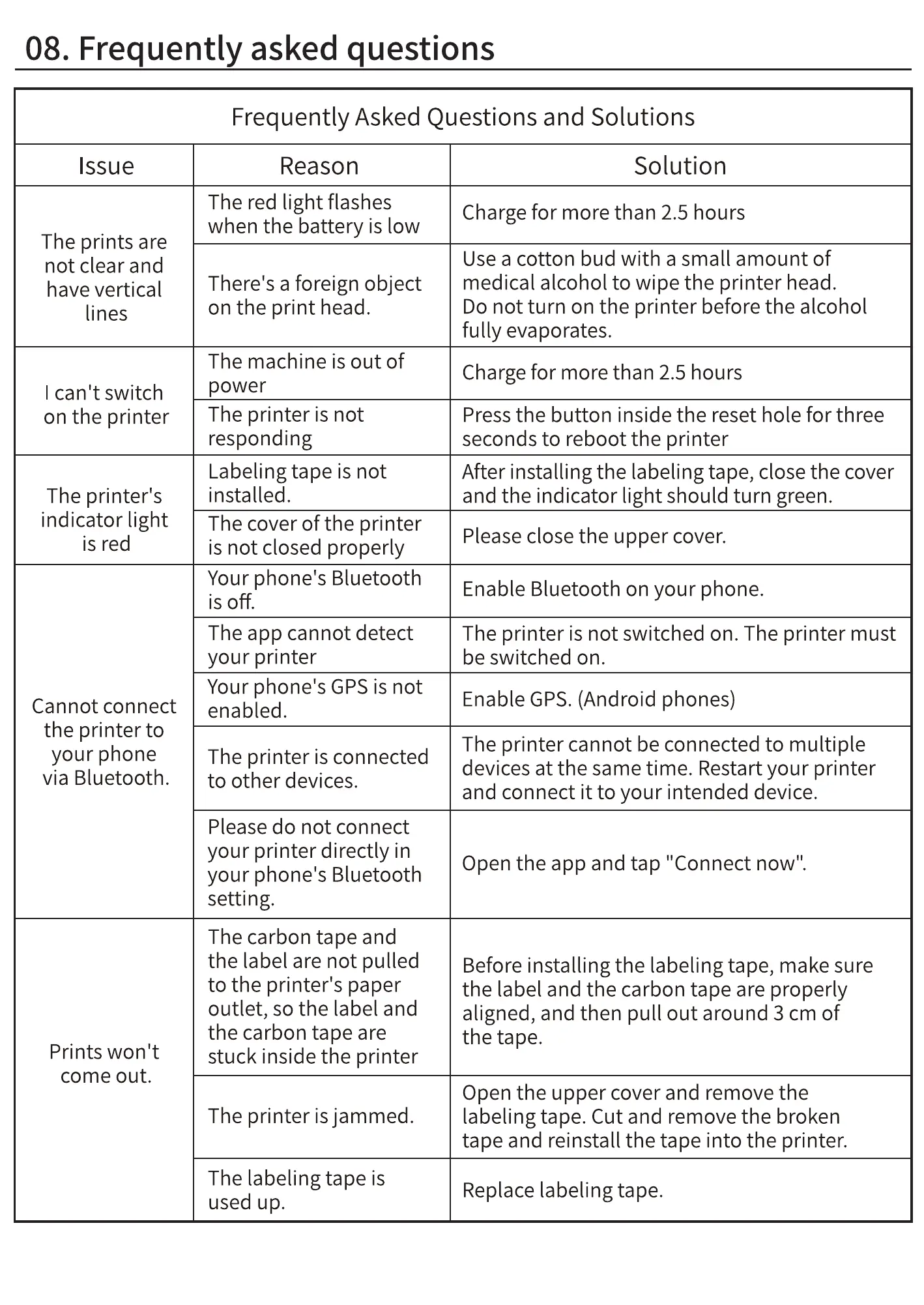
Frequently Asked Questions and Solutions
Issue
The prints are
not clear and
have vertical
lines
I can't switch
on the printer
The printer's
indicator light
is red
Cannot connect
the printer to
your phone
via Bluetooth.
Prints won't
come out.
Reason
The red light flashes
when the battery is low
There's a foreign object
on the print head.
The machine is out of
power
The printer is not
responding
Labeling tape is not
installed.
The cover of the printer
is not closed properly
Your phone's Bluetooth
is off.
The app cannot detect
your printer
Your phone's GPSis not
enabled.
The printer is connected
to other devices.
Please do not connect
your printer directly in
your phone's Bluetooth
setting.
The carbon tape and
the label are not pulled
to the printer's paper
outlet, so the label and
the carbon tape are
stuck inside the printer
The printer is jammed.
The labeling tape is
used up.
Solution
Charge for more than 2.5 hours
Use a cotton bud with a small amount of
medical alcohol to wipe the printer head.
Do not turn on the printer before the alcohol
fully evaporates.
Charge for more than 2.5 hours
Press the button inside the reset hole for three
seconds to reboot the printer
After installing the labeling tape, close the cover
and the indicator light should turn green.
Please close the upper cover.
Enable Bluetooth on your phone.
The printer is not switched on. The printer must
be switched on.
Enable GPS.(Android phones)
The printer cannot be connected to multiple
devices at the same time. Restart your printer
and connect it to your intended device.
Open the app and tap "Connect now".
Before installing the labeling tape, make sure
the label and the carbon tape are properly
aligned, and then pull out around 3 cm of
the tape.
Open the upper cover and remove the
labeling tape. Cut and remove the broken
tape and reinstall the tape into the printer.
Replace labeling tape.



 To Next Page