56
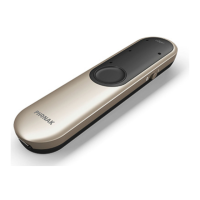
3. Locate and highlight your Roger Pen and select
‘Connect’.
4. Conrmation of successful connection is indicated
on your phone by the appearance of a headset symbol.
The connection between your Roger Pen and your
phone will be maintained as long as the two devices
remain on and within range of each other. If either
device is switched o or moves out of range, you may
need to re-connect devices.
Some phones may connect automatically after
pairing. We recommend selecting ‘yes’ when
prompted to allow this automatic connection.
7. Introducing Bluetooth









 To Next Page