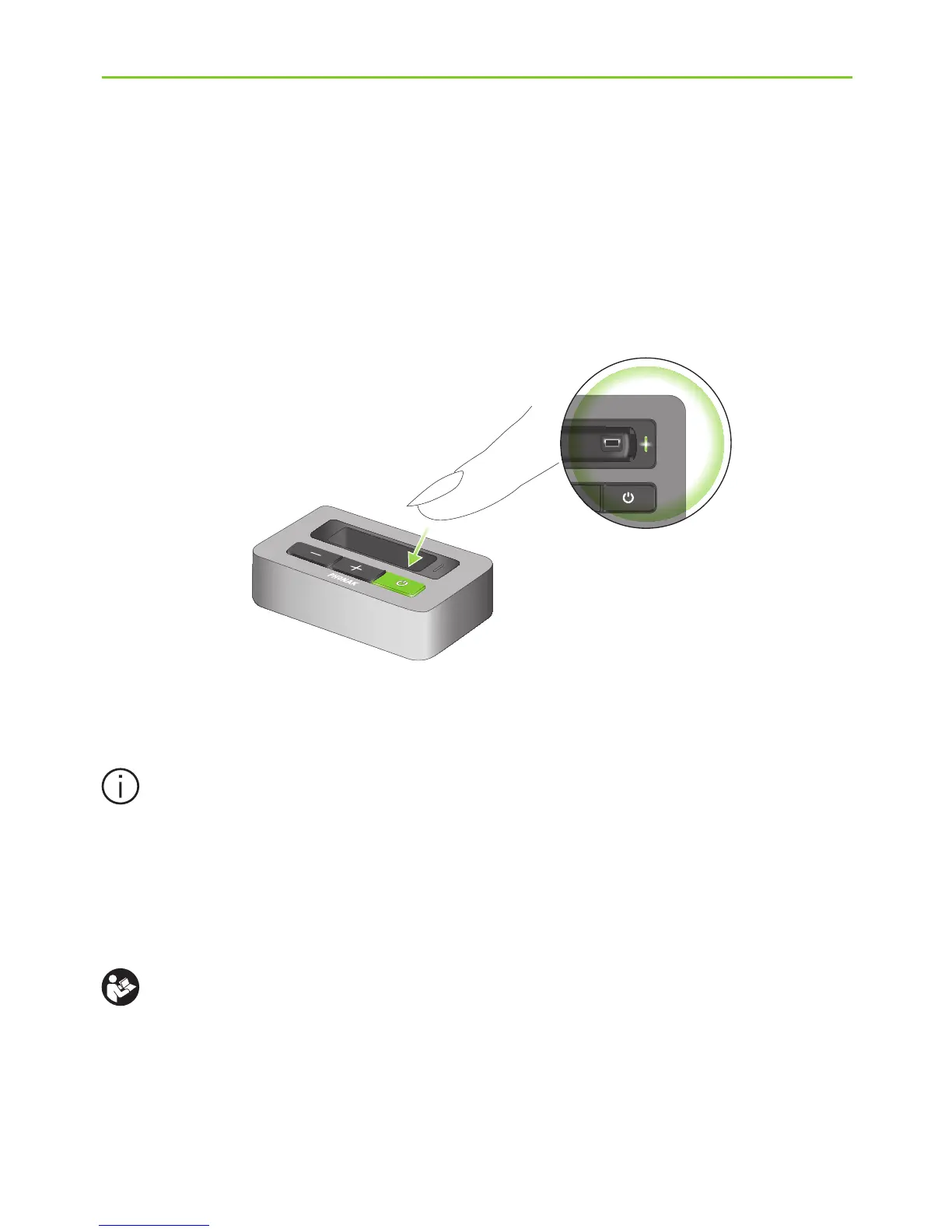
J Switch on the TVLink basestation by a short press
of the ON/OFF button (a) as shown in fig. 2. The
status light (g) will illuminate green initially and
may switch to blue later.
If the iCom battery indicator is red or not
illuminated at all, the iCom battery level may be
low. In this case please first charge the iCom
as described in step 9 on page 34.
For a more detailed explanation of the colors
displayed by the iCom battery indicator please
refer to the iCom user guide.
(a)
(g)
Fig. 2









 To Next Page