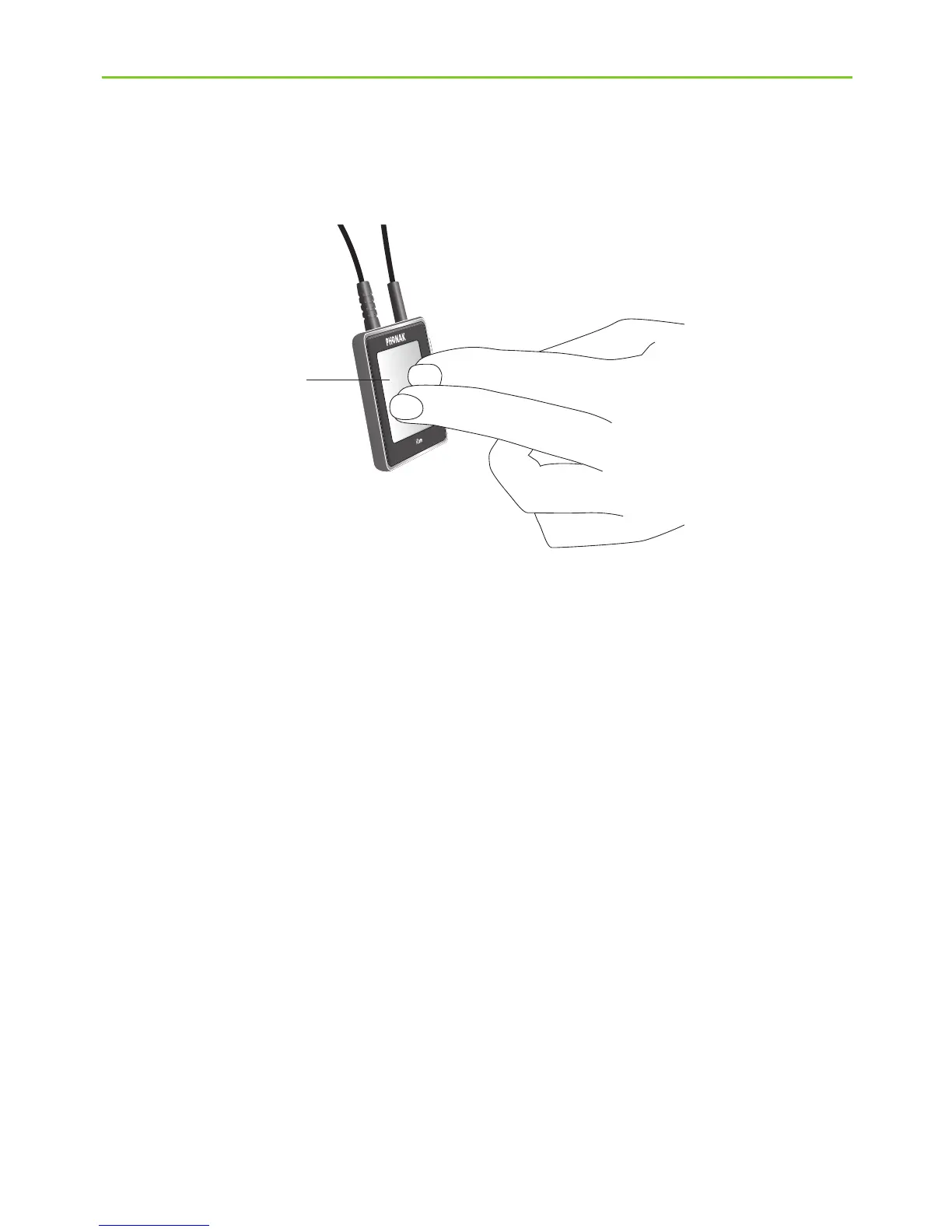
Step 7: Pause and phone calls during operation
To pause the audio transmission from your TV, press
the iCom main button b.
During pause:
J The Bluetooth indicators , (g) will blink blue on
both devices.
J Your hearing instruments will switch back to the
most recent hearing program.
To resume hearing your TV, press the iCom main
button b again.
b
5. Daily usage of the Phonak TVLink






 To Next Page