Please refer to the iCom user guide for pairing
instructions of iCom with the mobile phone or
other entertainment and communication devices
such as radios or personal computers.
Step 8: Switching off TVLink basestation and iCom
To switch off the devices:
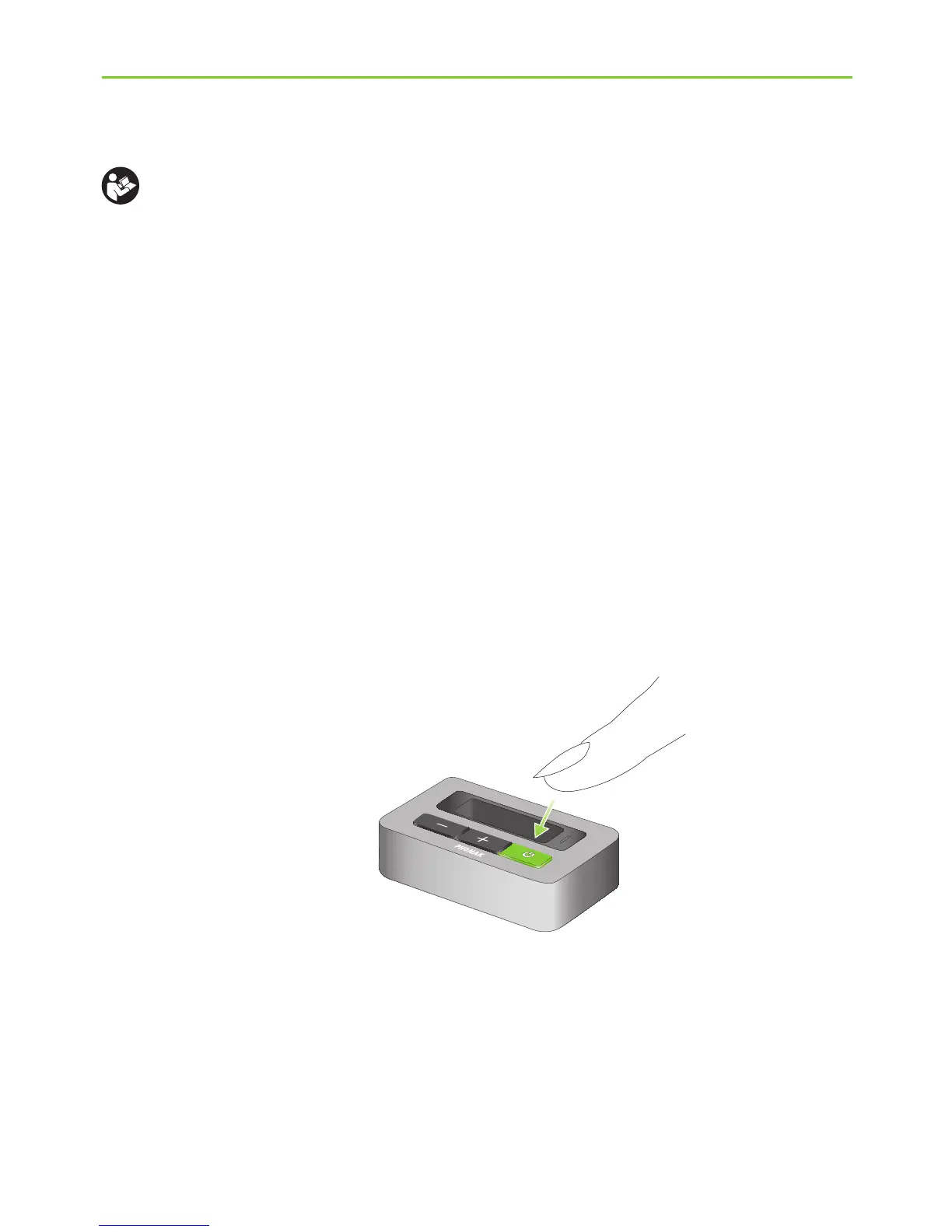
J To end the transmission of the TV audio signal,
switch off the TVLink basestation by pressing the
ON/OFF button (a) as shown in fig. 7.
(a)
Fig. 7
5. Daily usage of the Phonak TVLink






 To Next Page