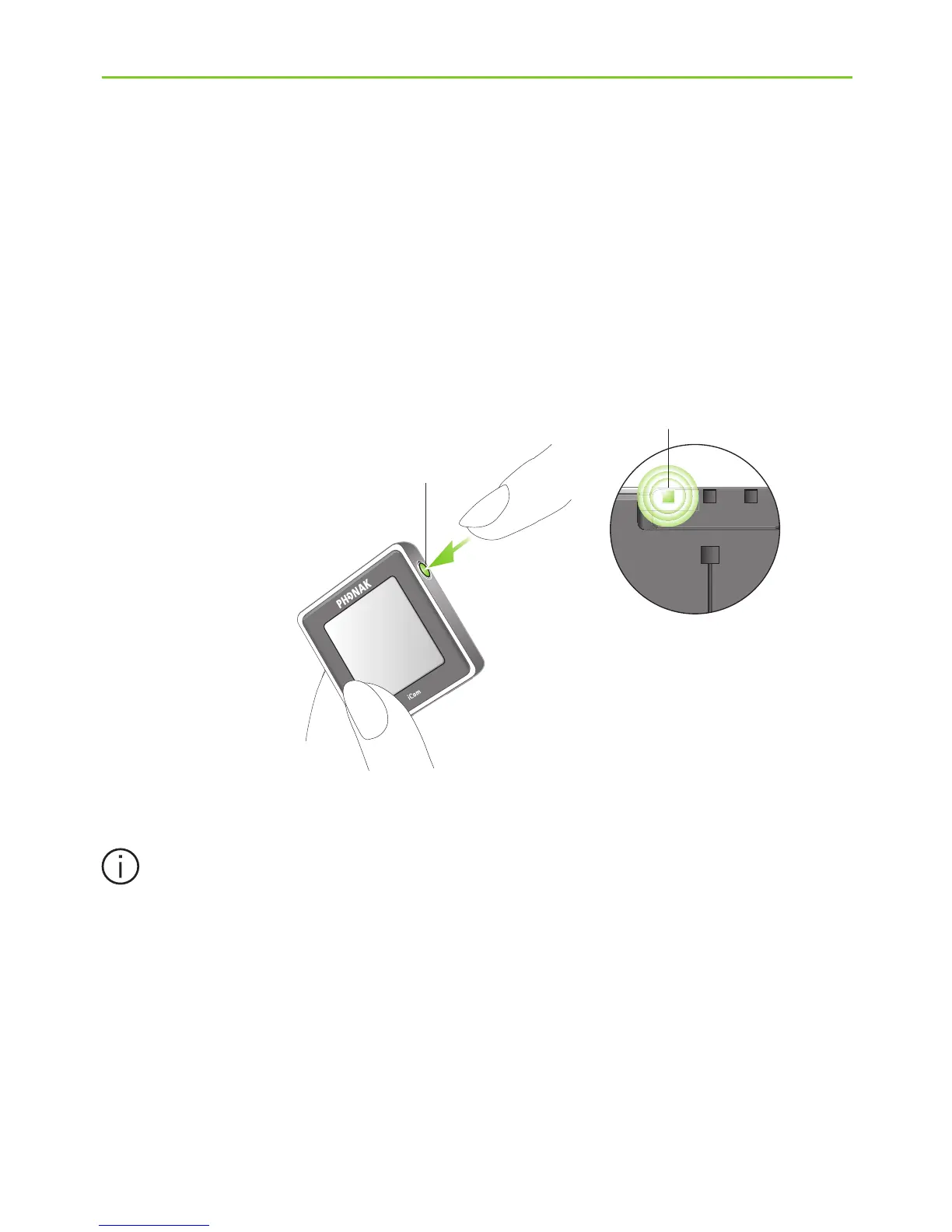
J If iCom is not used for other purposes such as phone
calls, switch it off by pressing the ON/OFF button a
for about two seconds as shown in fig. 8 until you
see the battery indicator turn red.
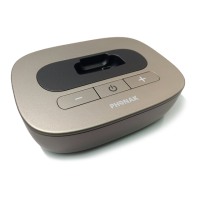
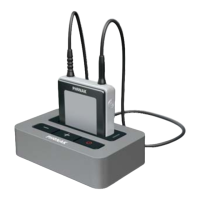
If no audio input is available, the TVLink basestation
automatically stops the Bluetooth audio
transmission to iCom after 3 minutes. Its status
light (g) will turn solid green.
a
Fig. 8






 To Next Page