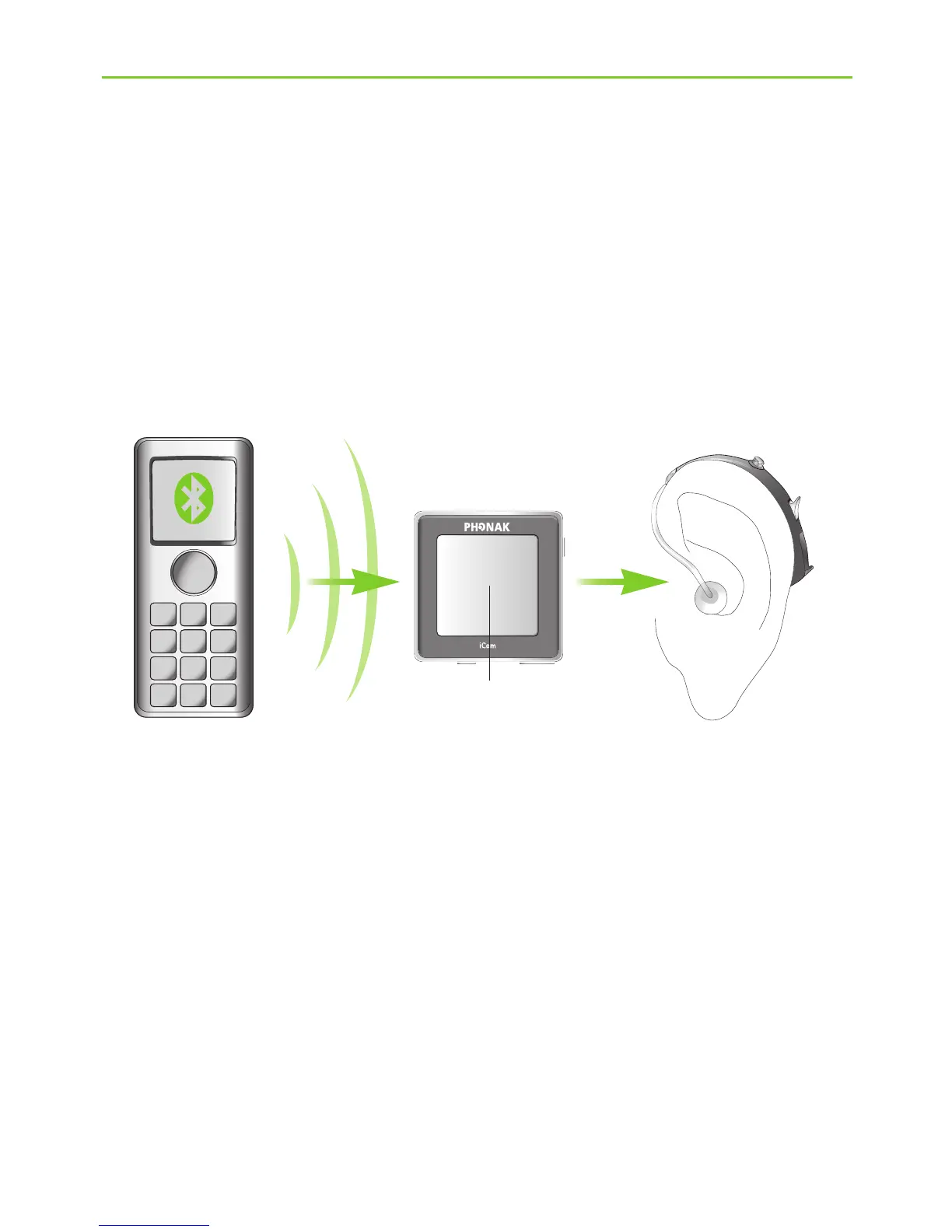
If you have paired iCom with your mobile phone,
you can still receive phone calls, even when watching
TV via TVLink. In case of an incoming call, iCom
automatically stops transmitting the audio signal from
your TV and sends the signal from your mobile phone
to your hearing instruments.
To pick up a call, press the iCom main button b.
To resume hearing your TV, press the main button
again and the phone call will be ended.
To refuse a call, press and hold the iCom main button
b for 2 seconds.
b






 To Next Page