Page 16 of 28
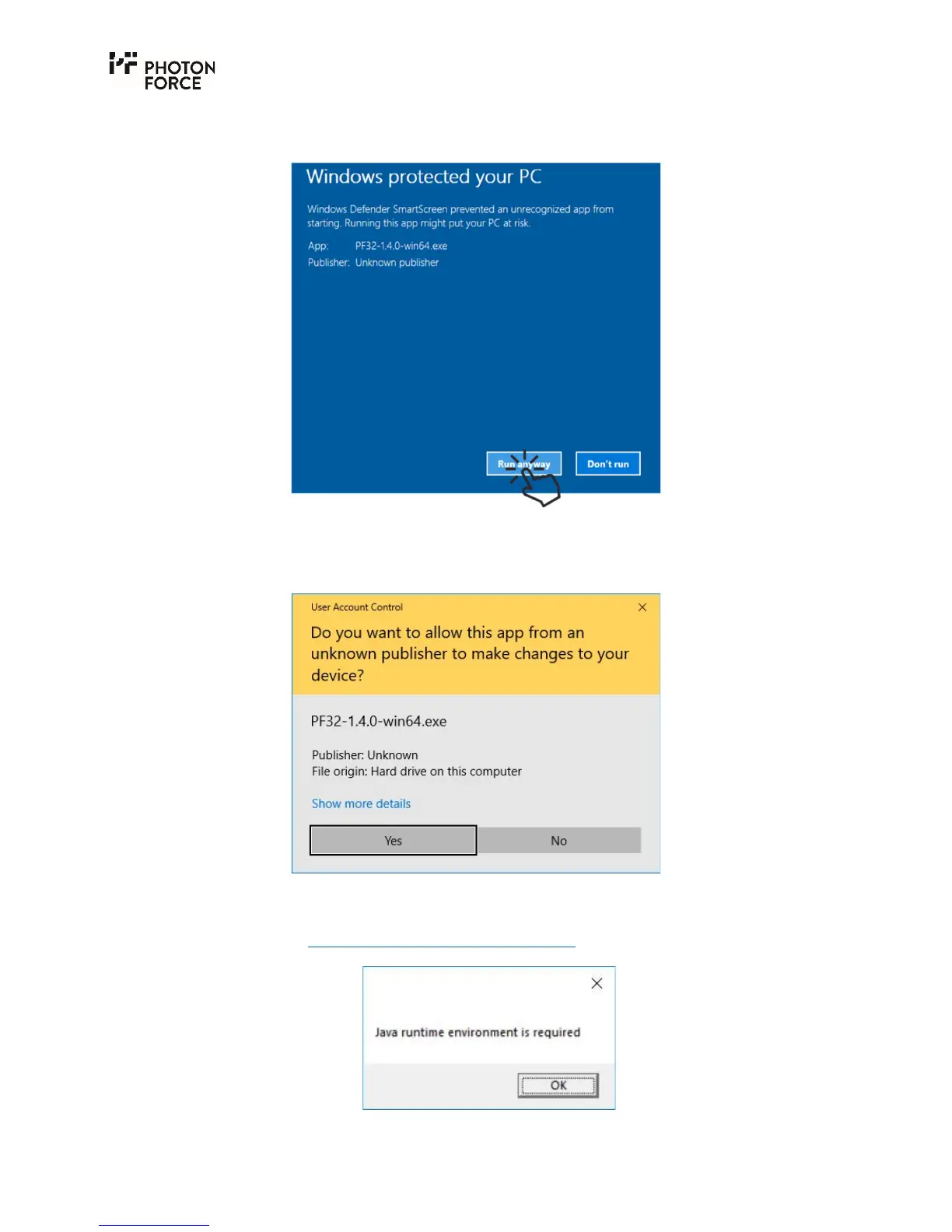
2. A new button "Run anyway" appears. Click this button to override the default Windows
security setting.
3. Finally, one last prompt window appears, where permission to run the software must be
granted. This may require an Administrator password.
4. Note that if the Java Runtime Environment has not been installed, the following warning
will be displayed. Please install a Java Runtime Environment as described above before
continuing (see Java Runtime Environment Installation).



 To Next Page