8
Audio Alert Set-up
Note: The audio alert threshold default value is 38°C (100.4°F) and is for body
and surface temperature only. If the audio alerts threshold default settings are
changed, only the audio alerts will be pertinent, not the colour alerts.
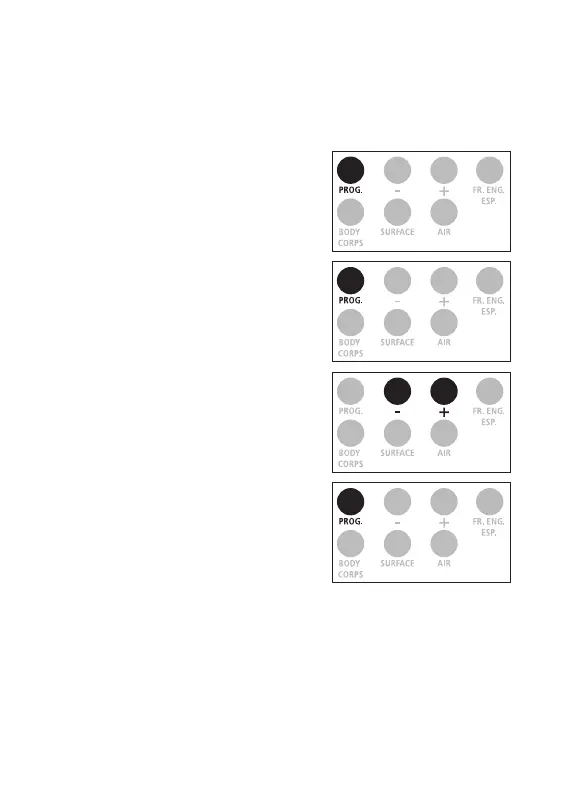
1. Press on the ‟ PROG. ” button
for 3 seconds, the screen
displays F1.
2. Press once more on the
‟ PROG. ” button to get F2.
3. Select ‟ + ” to increase
the threshold by 0.1°C
(0.1°F), ‟ - ” to reduce it
by 0.1°C (0.1°F).
4. Conrm by pressing on the
‟ PROG. ” button.


 To Next Page