9
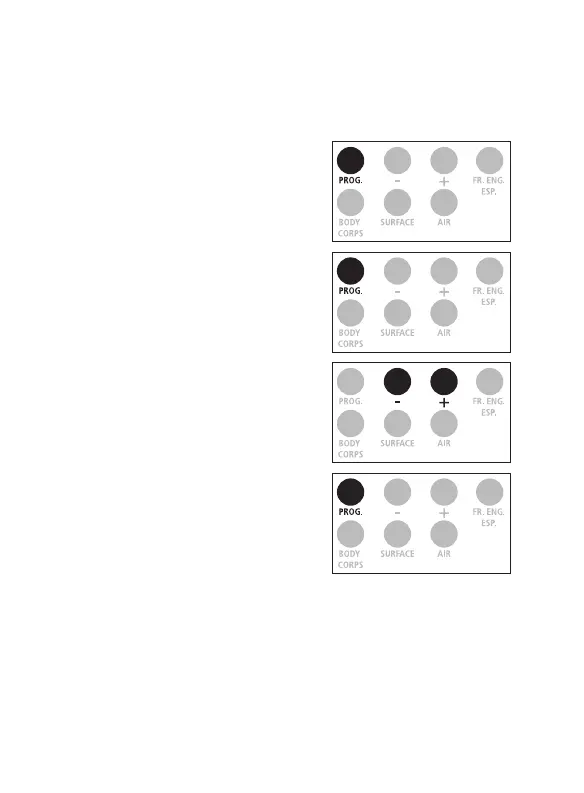
1. Press on the ‟ PROG. ” button
for 3 seconds, the screen
displays F1.
2. Press on the ‟ PROG. ” button
twice to get F3.
3. Select 0 by pressing on the ‟ - ”
button to choose the BODY
TEMP mode as default.
Select 1 by pressing on the ‟ + ”
button to choose the SURFACE
TEMP mode as the default.
4. Conrm by pressing on the
‟ PROG. ” button.
Choice of Default Display Mode:
Body or Surface Temperature
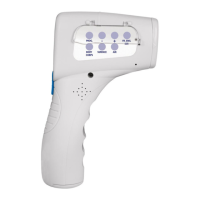
Note: The ProScan
TM
Non-Contact default is set to BODY mode.
x 2


 To Next Page