EasyManua.ls Logo

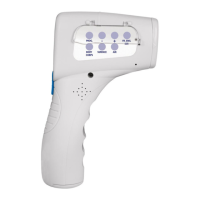
Physio Logic ProScan 016-660 - Appearance, Configuration and Menu Functions; Choosing the Temperature Unit of Measure

Physio Logic ProScan 016-660
20 pages
Print Icon
To Next Page IconTo Next Page
To Previous Page IconTo Previous Page
Loading...
7
APPEARANCE, CONFIGURATION
AND MENU FUNCTIONS
Choosing the Temperature Unit of Measure
Note: ProScan
TM
Non-Contact default is °C.
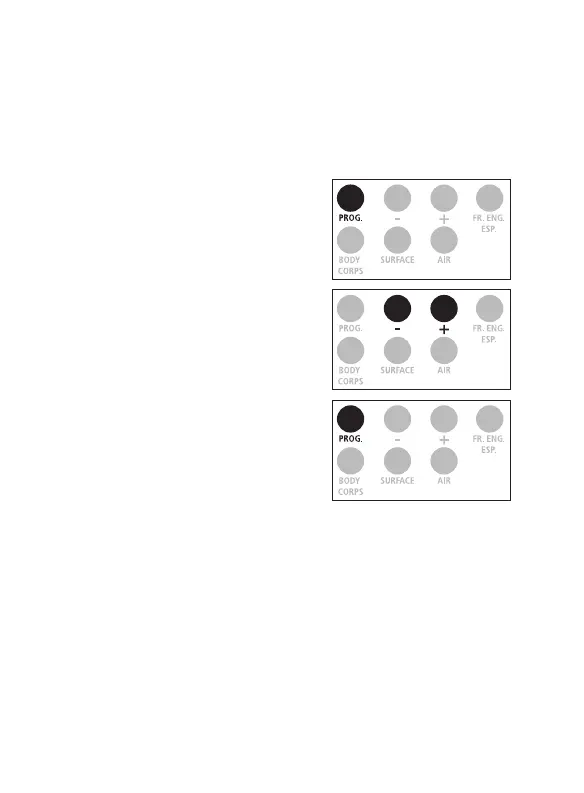
2. Select ‟ - ” for °C or ‟ + ” for °F.
3. Conrm by pressing on the
PROG. ” button.
1. Press on the ‟ PROG. ” button
for 3 seconds, the screen
displays F1.

Related product manuals