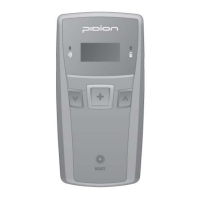
4. Bluetooth Power On/ Power Off -2
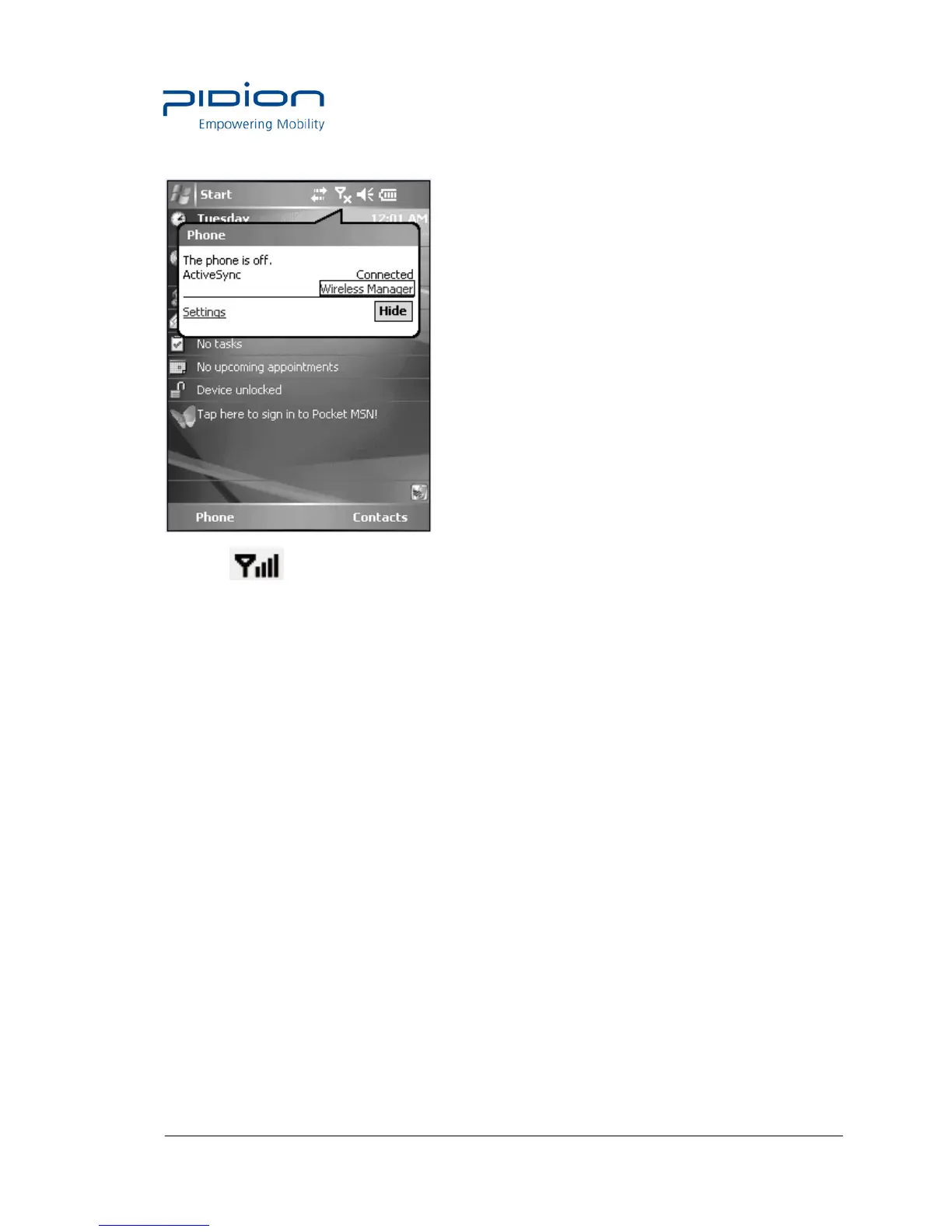
① Select at the top of the screen and select [Wireless Administrator].
② Select <Bluetooth>.
Tip. Terminal equipped with Bluetooth can be connected without setting Bluetooth.
5. Bluetooth setting-Windows Mobile
The seen screen corresponds to the [Windows Mobile 5.0] version and it depends
on the software version used.
① Select the [Start] ▶ [Set] ▶ [Connections] and ▶ [Bluetooth].


 To Next Page
 Loading...