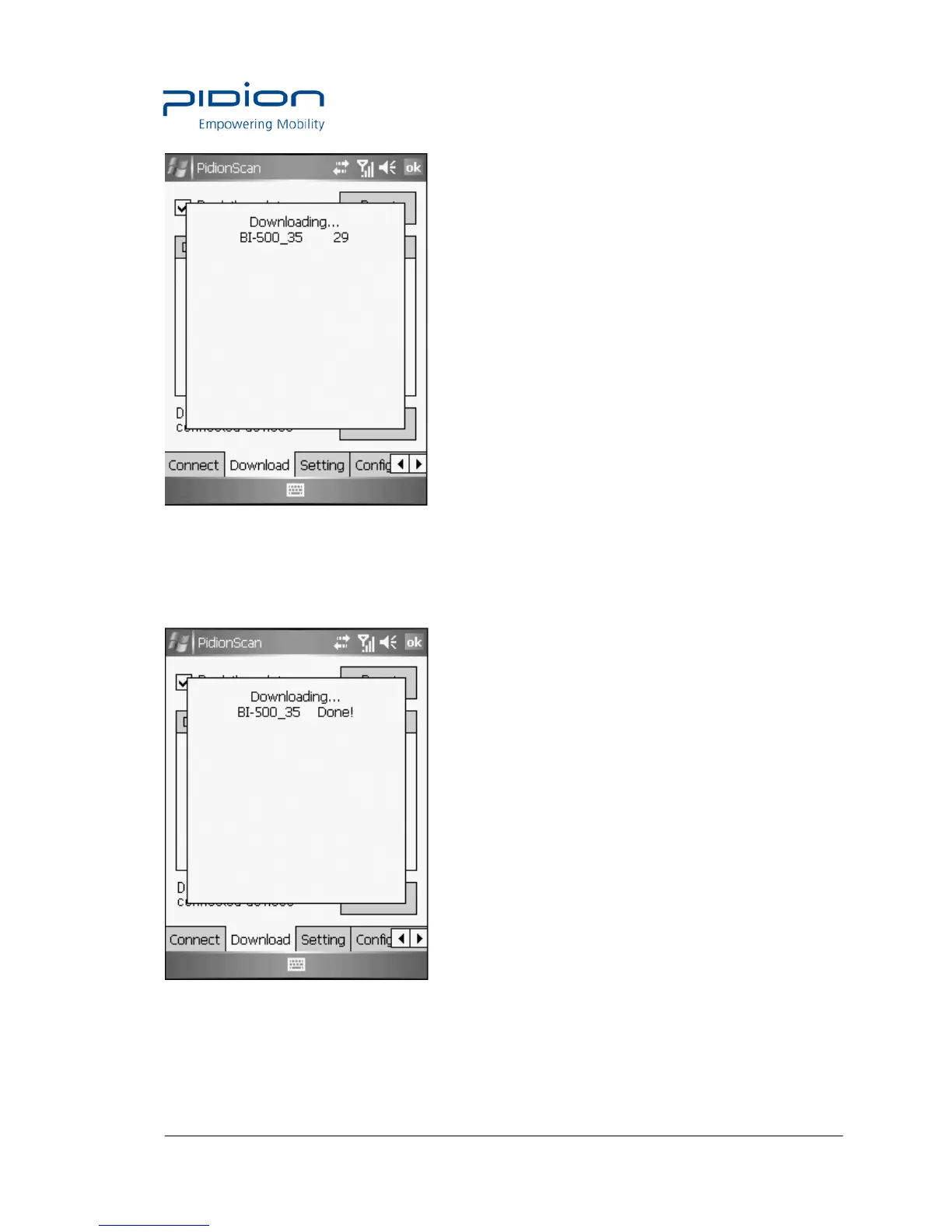
② Device IDs of all connected devices are displayed in the Popup window, and the download
status per device is progressed by %.
IF download is completed, the <Done!> message is displayed, and the download of the next
device gets started.
③ If download of all devices is completed, the <Download Completed!> message is displayed,


 To Next Page