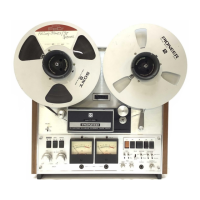
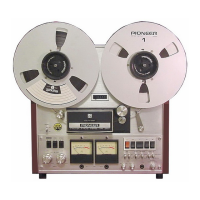
FRONT PANEL
FACILITIES
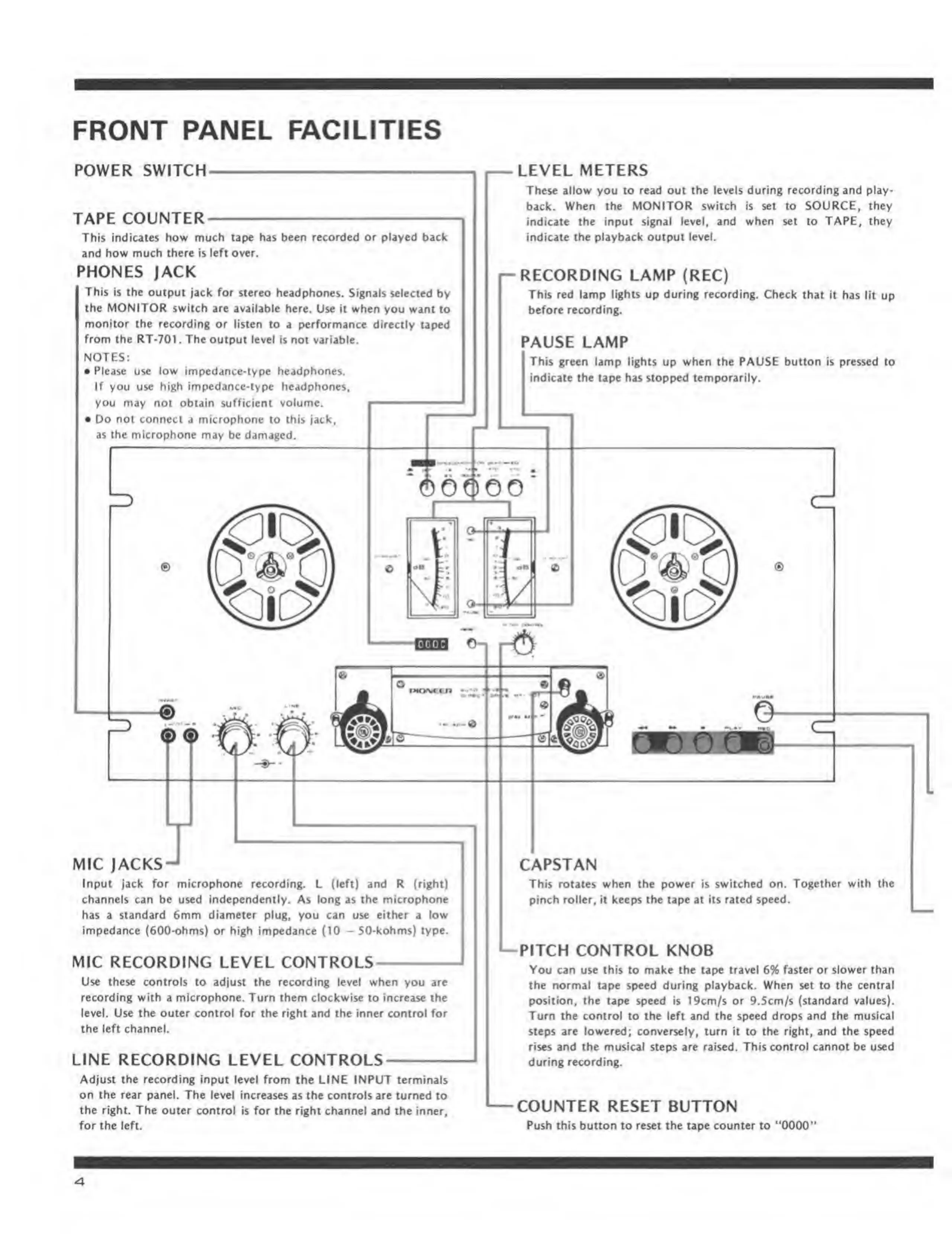
POWER SWITCH
TAPE COUNTER
This indicates
how
much tape has been recorded
or
played back
and how
mucfi there
Is left over.
PHONES JACK
This Is
the outpui
jack for stereo headphones.
Signals selected by
the
MONITOR
switch are available here U^e it when
you want to
monitor the recording or tisien to
a
performance
directly taped
from the RT-701
,
The
output tevd Is not variable.
NOTES:
•
Please use low imped jifte-lype hejdphones.
if you use high impcdance-iype headphones^
you may
not
obtain sufficient volume.
• Do not
connect a microphone to this jack,
as the
microphone mjty be damaced.
LEVEL METERS
These
allow you lo read oui ilie levels during recording and play*
back. When
the MONITOR switch
is
set
to
SOURCE, they
indicate
the input signal level,
and when »C to
TAPEj
they
indicate the
playback output leveL
RECORDING
LAMP (REC)
This red lamp
Jjghts up during recording.
Check that it has
lit up
before recording
PAUSE
LAMP
Thb gTMn
lunp llghtt up wtnn th« fAUSE
button
Is
pressed
to
indicite
the ttpe has stopped temporarily.
MIC JACKS
Input lack for microphone recordinf. L (left) and R (ri^t)
channels
can
be used Independently. As Utng as the mfcro|khone
has a standard 6mm dbmeter pli^ you can use either i low
Impedance (600-ohms) or high impedance (10
—
SO-kohms)
type.
MIC
RECORDING LEVEL CONTROLS-
—
Use these controls to adjust the recording (evel when
you
sre
recording with a microphone. Turn them
clockwise to
increase ihc
level. Use
the
outer control for the right and the inner control for
the left channel.
LINE
RECORDING LEVEL CONTROLS
Adjust the recordiiv Input level from
the
UNE INPUT
terminals
on
the rear panel.
Use kvel increases
v
the control
»
turned
to
the right The outer
control Is for the right dunnel
and
the inner,
for the left-
CAPSTAN
This
rotates when the power
Is
switch on. Together with ^e
pinch roller. It keeps the tape at its rated speed.
—
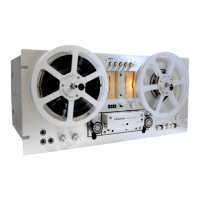
PITCH CONTROL KNOB
You can use this to make Ihe tape travel 6% faster or slower than
the normal tape speed during playback. When set to the central
position, the tape speed is 19cm/s or 9.Scm/5 (standard values).
Turn the control to the 1^ and the speed drops and
the musical
ttept are lowered; convenely,
turn
to the right, and the speed
rises and the musical steps are raised. This control cannot be used
during recording.
COUNTER RESET BUTTON
Push this button to reset the tape counter to
'*0000''


 To Next Page