BASIC OPERATIONS
TAPE PLAT (PLAYBACK OR RECORDING)
1. Check that the tape is on the left-hand reel.
2.
Press
either the
FLAY button or the PLAY and
REC buttons togeOier*
3. The tape
travels
frcantheleftto
the right
reeL
4. Press the stop button to stop the tape-
STOP
Press the
stop button to stop the tape.
FAST FORWARD
1
.
Check that the tape is on the
left-hand
red.
2. Press the » fast forward button.
3. The t2tpe is wound at a high speed from
the left
to
ther^ht reel.
4. Press
the
m stop button
to stop the tape.
•
To return
the tape deck from fast forward
to
tape pl^> press the PI^AY
button.
The tape
stops for several
seconds and ^en starts playing
from the left
to the right reel.
•
Press the 44 rewind button
if you have wound
tiie tape on
too
tar
ahead. Hie tape is tiien put
into reverse and it
travels
at a high speed from
the ri^t to the left reeL
REWIND
1. Check that the tap*' is on the
rl^t-hand reel,
2. Press the
44
rewind button,
3. The tape is rewound at a lugh qieed firom ibe
ri^t
to the left reds,
4. Press
the m stop button to stop the tape.
•
To
return the tape deck from rewind to tape
pUv,
press the PLAY button. The tape stops
for
several seconds and then starts playing from the
left
to
thfe right reel,
•
Press the » fast forward button if you have
rewound
too mudi tape. The tape is then put
into reverse
and it
travels
at a high speed from
the left to tiie right reeL
NOTE.
1.
There is
no need to press
the m stop button whm
changing
over
from one
function
(fast forward, for
example) tu another
(like
tape pt^). Jmt prw
th«
appropriate
function button.
2. With long-playing tapes, and e:ipe<:iany
with thin
lBp«^
press
the fast forward and then
the
^
rewind
buttons, or
the
rewind
and then the
fast forward
buttons, when you
want to change over from
fast
forward or rewind to
stop
or
tape play. Then press the
m
Stop button or
the PLAY button when
the
rotat-
ing
reels
slow doum~ Thk
helps
prevent
tape
stretching
and
distortion.
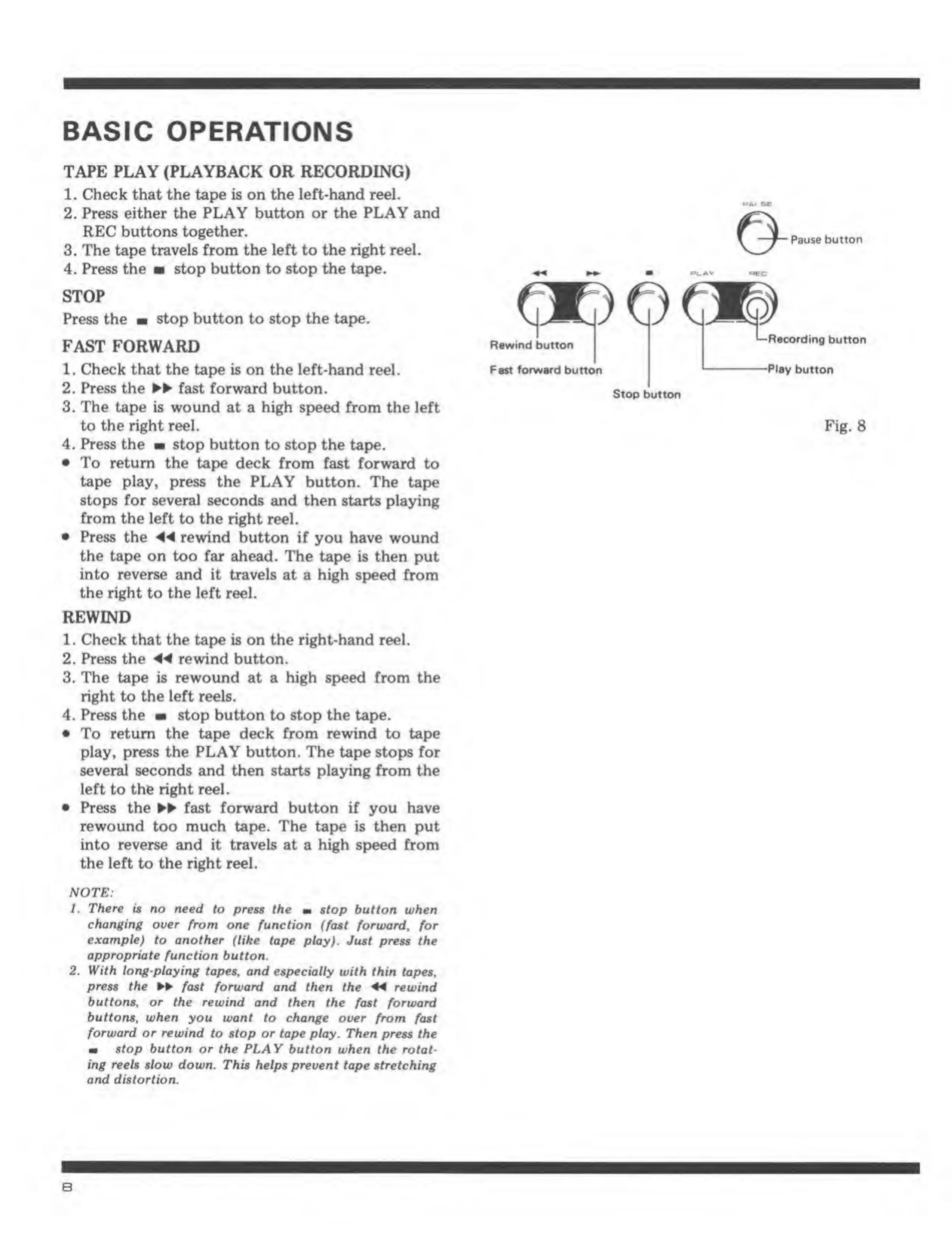
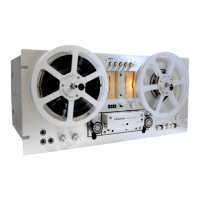
Pause button
(
Pi
i J1
r
1
RswM button
FsM tafwsnl button
RsoonJino button
Plav button
Stop
button
Fig.
8


 To Next Page