EasyManua.ls Logo

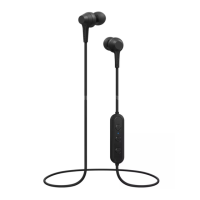
Pioneer SE-C4BT - User Manual

Pioneer SE-C4BT
12 pages
Print Icon
To Next Page IconTo Next Page
Loading...
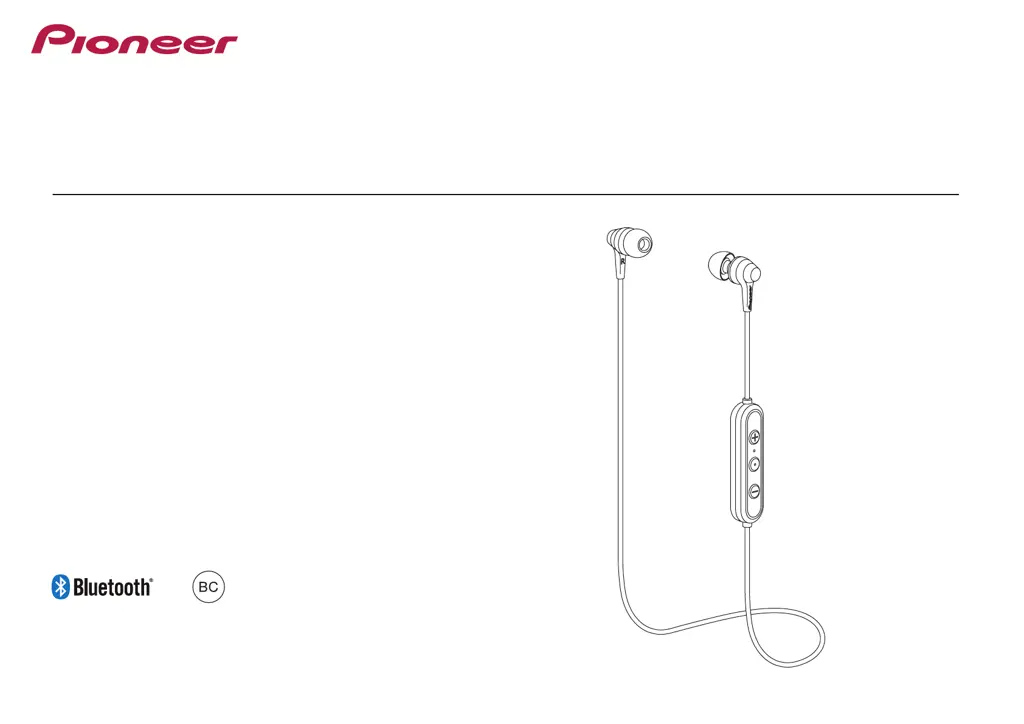
Operating Instructions
SE-C4BT
WIRELESS STEREO HEADPHONES

Questions and Answers

  • W
    William MillerAug 4, 2025
    Why is there no sound when playing music on my Pioneer Wireless Headphones?
    • K
      Kristen SmithAug 4, 2025
      If you are experiencing a lack of sound while playing music, verify the following: * Ensure that both your wireless headphones and the connected Bluetooth device are powered on. * Confirm that the Bluetooth device is connected using the A2DP profile. * Check that the connected music playback device is set to 'PLAY'. * Make sure the volume levels on both your wireless headphones and the music playback device are appropriately adjusted.
  • R
    Ronald GrayAug 10, 2025
    Why is the sound distorted on my Pioneer SE-C4BT?
    • J
      Jasmine GarciaAug 10, 2025
      If the sound from your Pioneer Wireless Headphones is distorted while playing music, check to ensure that no other devices using the 2.4 GHz wavelength (such as microwave ovens or wireless radios) are nearby. Also, make sure there are no obstructions blocking the signal path.
  • R
    rodriguezcurtisAug 16, 2025
    Why is the communication distance short and the sound garbled on my Pioneer SE-C4BT?
    • A
      Albert SmithAug 16, 2025
      If you're experiencing a short communication distance and garbled sound with your Pioneer Wireless Headphones, check that there are no other devices utilizing the 2.4 GHz wavelength (like microwave ovens or wireless radios) nearby and that no obstructions are blocking the signal path.
  • T
    Terri DavisAug 22, 2025
    What to do if my Pioneer SE-C4BT Wireless Headphones are not charging?
    • M
      Matthew Stephens MDAug 22, 2025
      If the batteries of your Pioneer Wireless Headphones are not charging, please check the following: 1. Ensure that the computer is powered ON. 2. Verify that the computer is not in power-saving mode. 3. Confirm that the accessory micro-USB cable is securely connected to both the wireless headphones and the computer.
  • S
    Steven CisnerosAug 28, 2025
    Why can't I use the hands-free operation on my Pioneer SE-C4BT Wireless Headphones?
    • A
      Amanda HernandezAug 28, 2025
      If you're unable to use the hands-free operation with your Pioneer Wireless Headphones, verify that the headphones and the Bluetooth device are connected using the HFP profile. If the connection is in A2DP profile, you might need to switch connection profiles, depending on the Bluetooth device’s specifications.

Summary

Replacing the Earphone Tip

Installation

Instructions for fitting earphone tips onto the nozzles, ensuring a secure attachment.

Removal

Guide on how to safely detach earphone tips from the earphone body.

Charging the Batteries

Notes on Battery Charging

Important considerations for optimal battery performance, charging safety, and storage.

Pairing

Connect to Bluetooth Device

Confirms headphone power is on for connection, which may be automatic.

Disconnect from Bluetooth Device

Turns off headphones by holding the power button until the LED indicator extinguishes.

Multipoint Connection

Allows simultaneous connection of two Bluetooth devices by sequential pairing and reconnection.

Enjoying Music

Music Playback Controls

Details music playback controls using (+) button, (-) button, and Power button for volume and track selection.

Vocal Communication

Vocal Communication Controls

Explains controls for calls using (+) button, (-) button, and Power button for conversation management.

Using the Voice Assistant Function

Using Google Assistant

Guides on activating and using Google Assistant via voice commands through the earphones.

Using Siri

Provides instructions for activating and using Siri via voice commands through the earphones.

LED Indicator

Troubleshooting

Specifications

Pioneer SE-C4BT Specifications

General IconGeneral
BrandPioneer
ModelSE-C4BT
CategoryWireless Headphones
LanguageEnglish

Related product manuals