EasyManua.ls Logo

Pioneer SE-MS7BT - User Manual

Pioneer SE-MS7BT
10 pages
Print Icon
To Next Page IconTo Next Page
Loading...
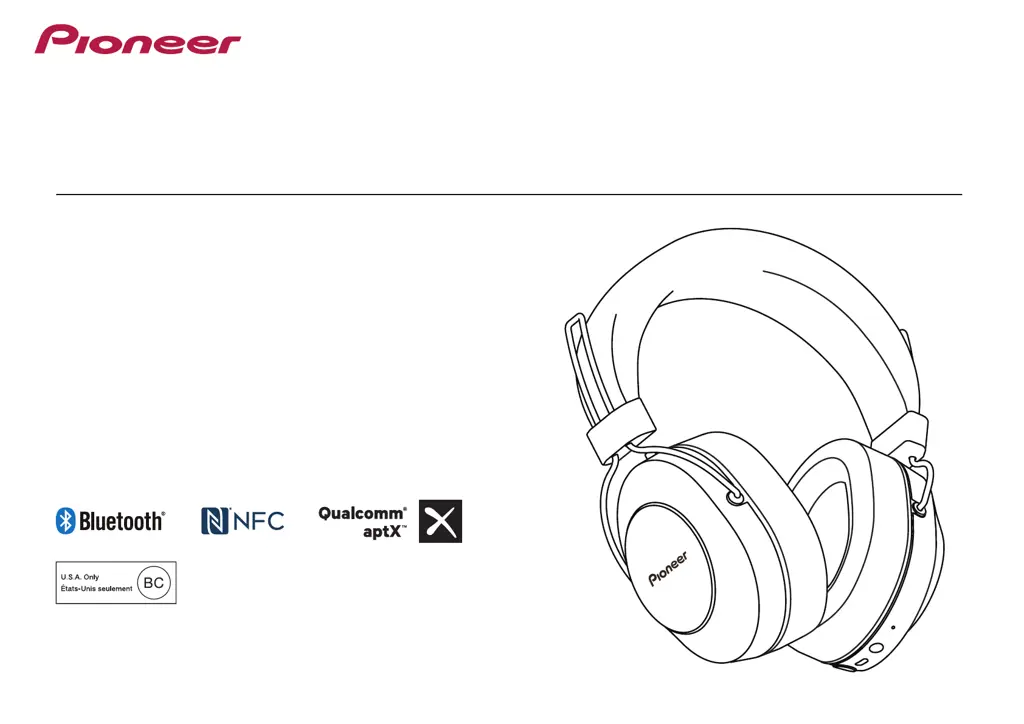
Operating Instructions
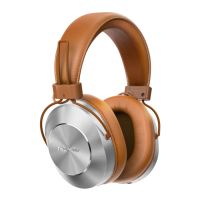
SE-MS7BT
WIRELESS STEREO HEADPHONES

Other manuals for Pioneer SE-MS7BT

Questions and Answers

  • M
    Mary LoveAug 19, 2025
    Why won't my Pioneer Wireless Headphones connect via Bluetooth?
    • R
      Robert WrightAug 20, 2025
      If your Pioneer Wireless Headphones won't connect via Bluetooth, ensure that both the headphones and the Bluetooth device are powered on. Also, verify that the Bluetooth function is enabled on the device you're trying to connect to.
  • N
    nathan33Aug 21, 2025
    Why is there no sound when playing music on my Pioneer Wireless Headphones?
    • J
      Jonathan OdonnellAug 22, 2025
      If you're not hearing any sound while playing music, make sure that both your Pioneer Wireless Headphones and the connected Bluetooth device are powered on. Also, verify that the Bluetooth connection is set to the A2DP profile. Ensure that the music playback device is set to PLAY and that the volume levels on both the headphones and the playback device are appropriately adjusted.
  • E
    Eileen ClarkAug 25, 2025
    Why can’t I perform Bluetooth connection on Pioneer SE-MS7BT?
    • J
      Jeffrey KirkAug 25, 2025
      If you're unable to establish a Bluetooth connection, verify that both the Pioneer Wireless Headphones and the Bluetooth device are powered on. Also, confirm that the Bluetooth function is enabled on the device you are trying to connect to.
  • S
    Scott ArmstrongAug 26, 2025
    What to do if sound is distorted when playing music on Pioneer SE-MS7BT Wireless Headphones?
    • J
      Joshua CamachoAug 26, 2025
      If the sound is distorted while playing music, check to ensure that no other devices utilizing the 2.4 GHz wavelength (including microwave ovens, wireless radios, etc.) are nearby, and that no obstructions block the signal path.
  • T
    traci34Aug 28, 2025
    What to do if my Pioneer Wireless Headphones batteries will not charge?
    • M
      margaretfrazierAug 28, 2025
      If the batteries are not charging, please confirm that the computer is turned on and is not in power-saving mode. Also, check that the micro-USB cable is securely connected to both the headphones and the computer.
  • P
    Patricia GriffinAug 29, 2025
    Why is the communication distance short and sound garbled on my Pioneer Wireless Headphones?
    • D
      David OrtizAug 29, 2025
      If you are experiencing a short communication distance or garbled sound, ensure that there are no devices using the 2.4 GHz wavelength nearby (such as microwave ovens or wireless radios). Also, make sure there are no obstructions blocking the signal path.
  • N
    Natalie UnderwoodSep 1, 2025
    What to do if Pioneer Wireless Headphones power won’t turn on?
    • K
      Kaitlyn LeeSep 1, 2025
      If the power won’t turn on, recharge the Pioneer Wireless Headphones.
  • L
    Luis JeffersonSep 3, 2025
    What to do if I can’t perform connection with NFC on Pioneer SE-MS7BT?
    • J
      Joanne BanksSep 3, 2025
      If you're having trouble connecting with NFC, first confirm that the Bluetooth device is equipped with NFC function. Activate the NFC setting on the Bluetooth device. Ensure that the orientation of the wireless headphones and Bluetooth device is correct when swiping. In some cases recognition of the device may require more time; in this event continue swiping the devices until connection is completed. Remove the Bluetooth device from its case or cover.
  • P
    Patricia DunnSep 4, 2025
    Why is the sound distorted on my Pioneer Wireless Headphones when playing music?
    • K
      kyliejohnsonSep 5, 2025
      Sound distortion while playing music on your Pioneer Wireless Headphones can occur if other devices using the 2.4 GHz wavelength, such as microwave ovens or wireless radios, are nearby. Obstructions blocking the signal path can also cause this issue. Ensure that no such devices are interfering and that the signal path is clear.
  • R
    robbinsmelissaSep 7, 2025
    What to do if the communication distance is short and the sound is garbled on my Pioneer SE-MS7BT?
    • T
      taylormoonSep 7, 2025
      If you experience a short communication distance or garbled sound with your Pioneer Wireless Headphones, it may be due to interference. Ensure that no other devices using the 2.4 GHz wavelength (like microwave ovens or wireless radios) are nearby. Also, make sure there are no obstructions blocking the signal path.

Summary

Package Contents and Parts Identification

Headphone Components Overview

Identifies key physical parts of the headphones, including buttons, ports, and microphone.

Battery Charging Guide

Charging Steps

Details the procedure for connecting the headphones to a USB port for charging.

Battery Charging Precautions

Provides important notes and warnings regarding battery charging and performance.

Bluetooth Device Pairing and Connection

Pairing Steps

Guides through the process of putting the headphones into pairing mode.

Establishing Bluetooth Connection

Explains how to connect the headphones to a Bluetooth-enabled device.

NFC Pairing Method

Music Playback and Wired Listening

Troubleshooting Common Issues

Pioneer SE-MS7BT Specifications

General IconGeneral
Impedance32 Ω
Driver typeDynamic
Driver unit40 mm
Ear couplingCircumaural
Headphone frequency9 - 40000 Hz
Maximum input power1000 mW
Headphone sensitivity96 dB
Cables includedAudio (3.5mm), Micro-USB
Battery typeBuilt-in battery
Charging sourceUSB
Rechargeable batteryYes
Battery recharge time4 h
Wireless range10 m
Bluetooth version3.0+HS
Bluetooth profilesA2DP, AVRCP, HFP, HSP
Connectivity technologyWired & Wireless
Brand compatibilityPioneer
Headset typeBinaural
Product typeHeadset
Product colorBlack
Wearing styleHead-band
Control unit typeIn-line control unit
Recommended usageCalls/Music
Microphone typeBuilt-in
Weight and Dimensions IconWeight and Dimensions
Weight290 g

Related product manuals