EasyManua.ls Logo

Pioneer SX-N30AE - User Manual

Pioneer SX-N30AE
124 pages
Print Icon
To Next Page IconTo Next Page
Loading...
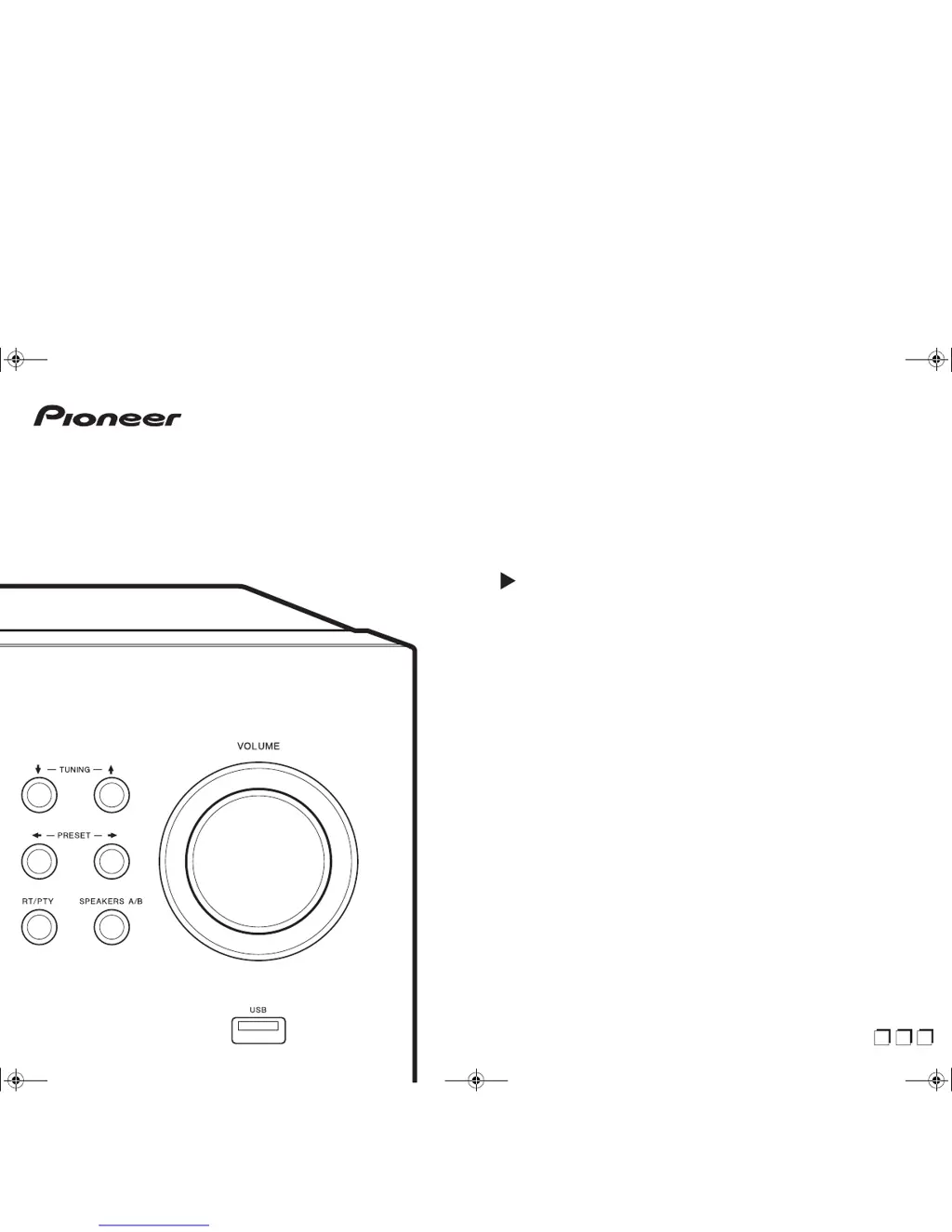
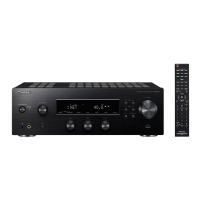
SX-N30AE
NETWORK STEREO RECEIVER
Instruction Manual
Mode d’emploi
Manual de
instrucciones
En
F
r
Es
SN29403238_SX-N30AE_En.book 1 ページ 2017年7月25日 火曜日 午後2時35分

Table of Contents

Questions and Answers

Summary

Before Start

Whats in the box

Lists the items included with the main unit.

Install

Step 1: Connect the Speakers

Instructions on how to connect speakers to the unit.

Step 2: Connect External Devices

Guide for connecting devices using digital and analog audio cables.

Step 3: Connect Other Cables

Instructions for connecting network, antennas, and power cord.

Initial Setup

Auto Start-up Wizard

Guides through the initial setup process and Wi-Fi connection.

Wi-Fi Network Setup

Details on configuring Wi-Fi settings, including SSID and password.

Playback

Play Audio from Connected Devices

How to play audio from external devices connected to the unit.

Bluetooth Wireless Playback

Instructions for pairing and playing audio wirelessly via Bluetooth.

Advanced Setup

Setup Menu Overview

Guides through configuring advanced settings via the Setup Menu.

Web Setup

Firmware Update

How to Update Firmware

Procedures for updating the unit's system software.

Troubleshooting

Summary

Before Start

Whats in the box

Lists the items included with the main unit.

Install

Step 1: Connect the Speakers

Instructions on how to connect speakers to the unit.

Step 2: Connect External Devices

Guide for connecting devices using digital and analog audio cables.

Step 3: Connect Other Cables

Instructions for connecting network, antennas, and power cord.

Initial Setup

Auto Start-up Wizard

Guides through the initial setup process and Wi-Fi connection.

Wi-Fi Network Setup

Details on configuring Wi-Fi settings, including SSID and password.

Playback

Play Audio from Connected Devices

How to play audio from external devices connected to the unit.

Bluetooth Wireless Playback

Instructions for pairing and playing audio wirelessly via Bluetooth.

Advanced Setup

Setup Menu Overview

Guides through configuring advanced settings via the Setup Menu.

Web Setup

Firmware Update

How to Update Firmware

Procedures for updating the unit's system software.

Troubleshooting

Pioneer SX-N30AE Specifications

General IconGeneral
Receiver typestereo
Audio output channels2.0 channels
Power output per channel (1KHz@6 Ohm)135 W
Power output per channel (20-20KHz@8 Ohm)- W
HDMI in0
Audio (L/R) in1
Line-outYes
Connectivity technologyWired & Wireless
Speakers connectivity type-
Display typeAnalog
Audio decodersDTS
USB 2.0 ports quantityUSB 2.0 ports have a data transmission speed of 480 Mbps, and are backwards compatible with USB 1.1 ports. You can connect all kinds of peripheral devices to them.
Audio formats supportedAAC, AIFF, FLAC, MP3, WAV, WMA
Bluetooth version4.1
Bluetooth profilesA2DP, AVRCP, HID, HOGP
Supported radio bandsAM, FM
Preset stations quantity40
Optical drive includedNo
AC input voltage220 - 230 V
AC input frequency50 - 60 Hz
Power consumption (standby)0.1 W
Power consumption (typical)220 W
Weight and Dimensions IconWeight and Dimensions
Depth327 mm
Width435 mm
Height149 mm
Weight8300 g

Related product manuals