SV63136 Rev. A
3-31
Basic Operation • 3
Job Options
Envelope
Options
This section contains descriptions of the various options you can add or
modify when creating or editing a job.
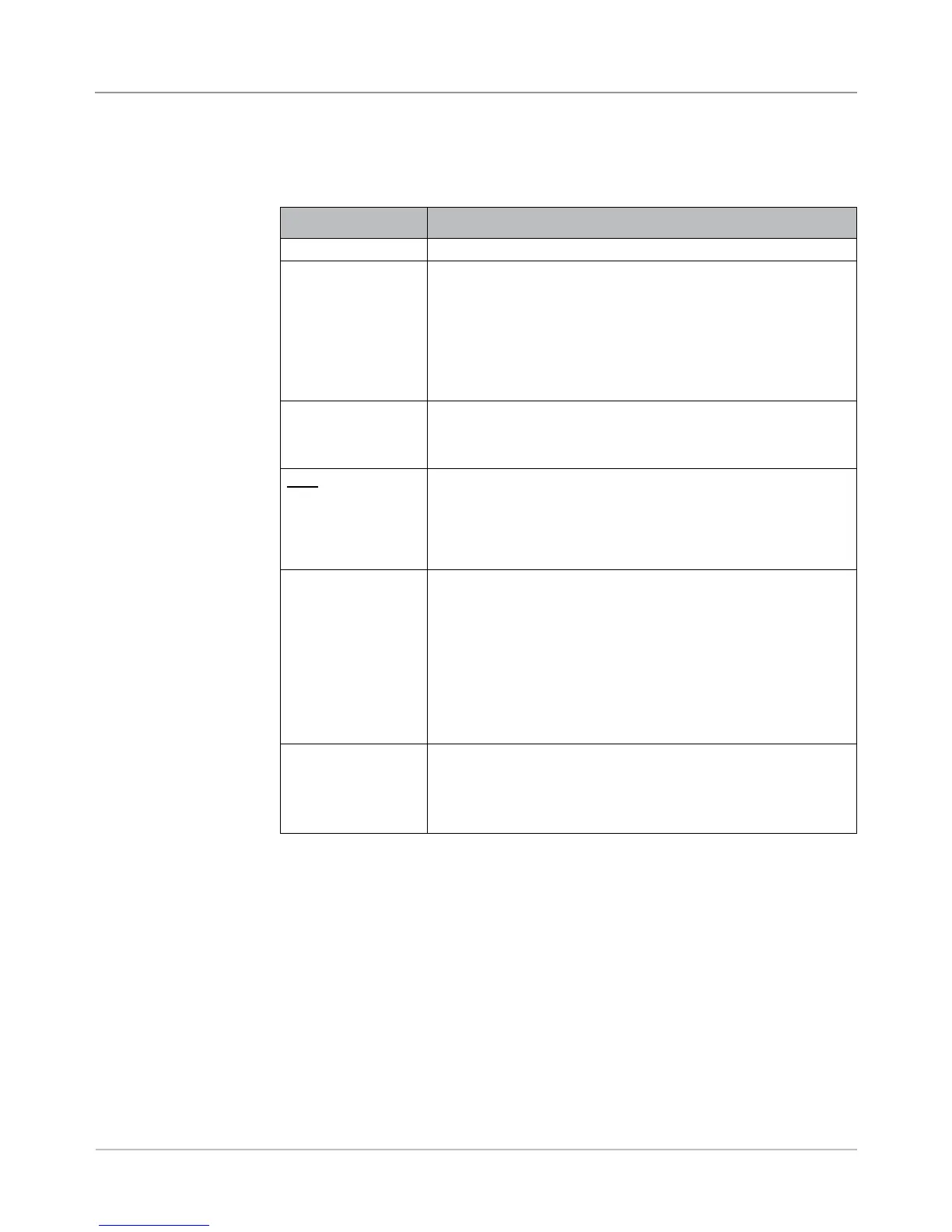
Menu Item Associated Options and Actions
Name Use the alphanumeric matrix to enter the envelope name.
Size refers
specifically to the
outer envelope that
contains the final
mail piece.
Toggle:
• Letter generally has smaller depth and contains folded sheets,
or
• Flat generally is larger than Letter size and typically contains
unfolded sheets. If the job contains a Large Booklet, you must
select this envelope size
Refer to Envelopes in Chapter 6 for specification information.
Window allows use
of windowed or non-
windowed envelope.
Toggle:
• Yes means you are using a windowed envelope, or
• No means you are using a non-windowed envelope.
Type allows choice of
windowed envelope.
• Standard Flap is a regular envelope.
• Forward Flap means the window and flap are on the same
side of the envelope.
• Bottom Flap means the flap is at the bottom (instead of the
top) of the envelope.
Seal refers to using
the Moistener unit to
close the envelope.
• Off means the envelope will not be sealed closed, or
• On means the envelope will be sealed closed.
• Safe Seal means the envelope will be sealed closed. However,
the envelope moves through the system at a slower rate to
provide more time for better sealing. This option is available
only for flat envelopes, when the Flats Sealer is present on the
system.
NOTE: If you are using a mailing machine in-line with the inserting
system, you must instruct the system to seal the envelope.
Depth is the
dimension of an
envelope from its flap
fold to its opposite
edge.
• Auto Measure - system measures depth when envelope is fed.
• Custom Depth - allows you to enter the depth of the envelope.
• Letter Options: #10 - 105mm, #6 ¾ - 165mm, C5 - 162mm,
C6 - 114mm. Flat Options: #12 ½ - 317mm, C4 - 229mm.



 To Next Page