8. Make sure the finish end is prepared for the
launch with towels in place to stop the cars.
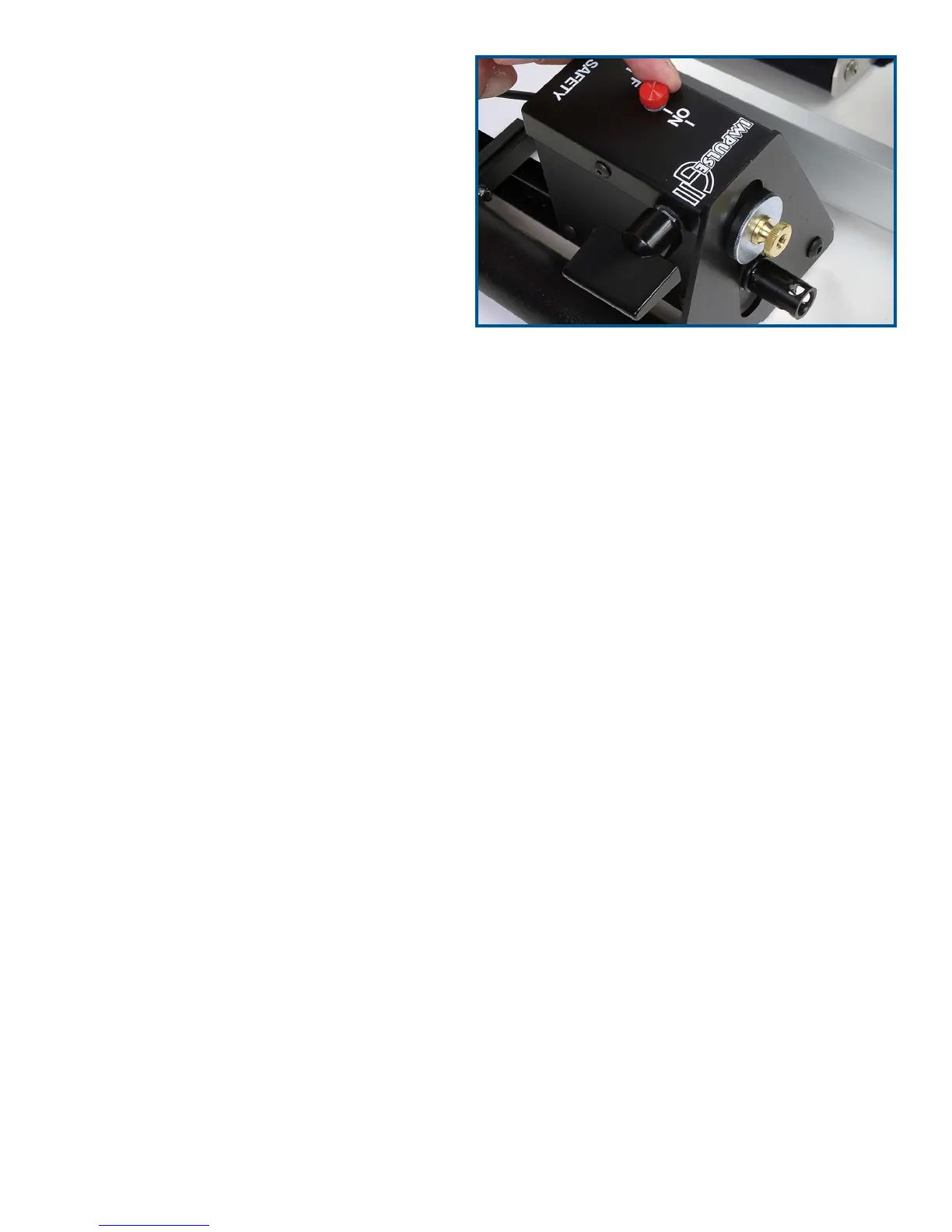
9. Cock the launch pods using the switch on
the side of each pod – the switches will be in
the vertical position when cocked. Move the
safety lever to the On position (Figure 15).
This will prevent accidental launches.
10. Back each car into its pod, making sure each
car’s cartridge is engaged in the firing sleeve.
The cars are now ready to launch.
To uncock the launchers, move the cars away
from the launch pods. Unlock the safety
levers. Firmly grasp the cocking levers and
slide them over to the Off position.
Software Installation and Use
Note: The Race Management software is only compatible with the Windows XP operating system.
1. Insert the
Race Management CD-ROM into your CD drive. The installer should autorun; follow
the instructions in the window.
2. To use the software, launch
Race Management. To learn more about using the software, see the
online help under the Help menu.
Got questions? We’ve got answers! 8 Call 800-358-4983
Figure 15


 To Next Page
 Loading...