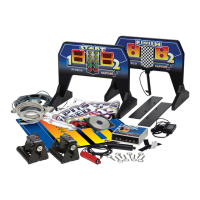
Impulse Racing System 10 59324 V0605
Auto Launching
This mode fires both cars simultaneously.
Caution: Do not unplug any of the race system components while using the system.
1. Set the mode lever on the control box to Auto.
2. Make sure everyone is clear of the track.
3. Move the launch pod safety levers to the Off position.
4. To start the launch, press the Reset button on the control box.
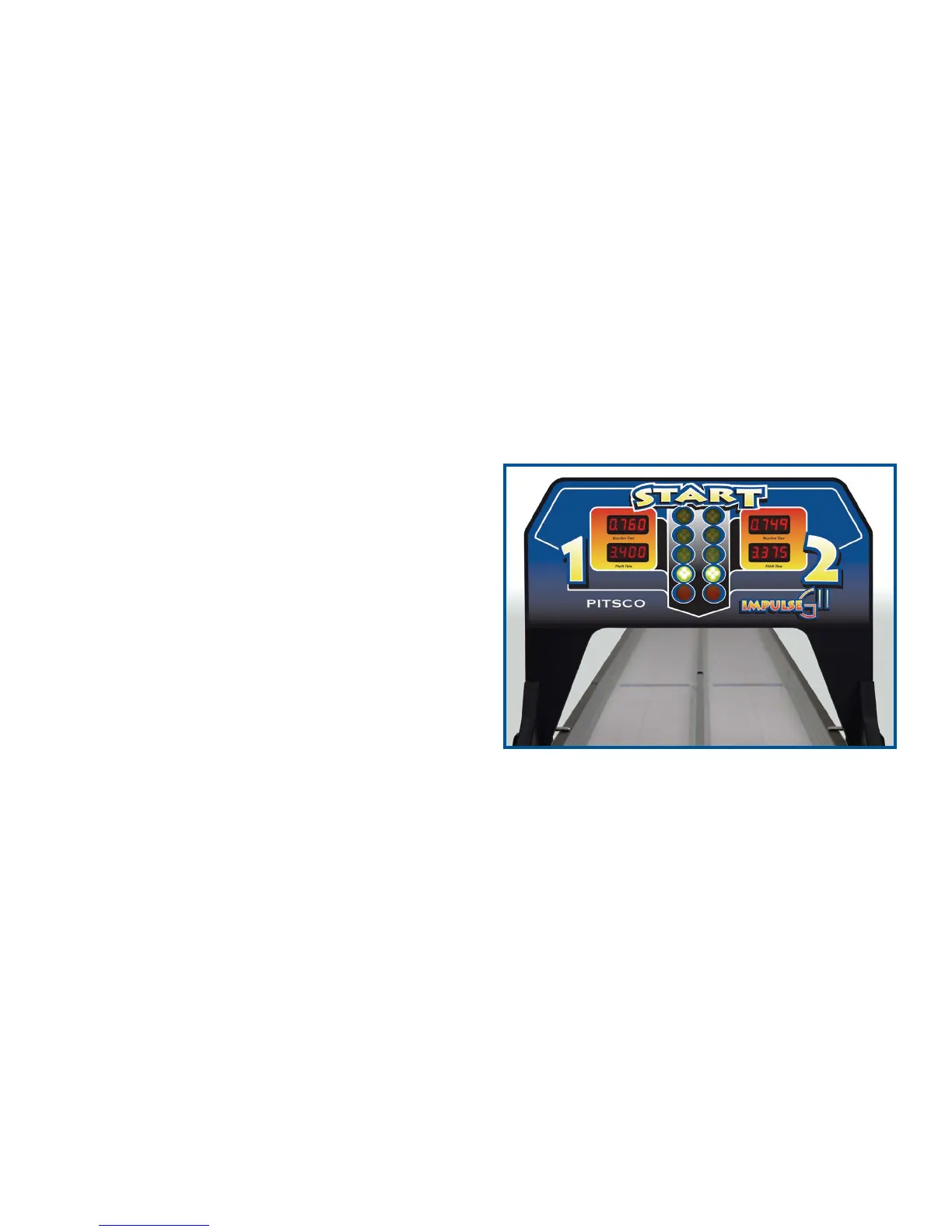
The “Christmas tree” lights on the start gate will begin their sequence. When the green pair of
bulbs light, the cars will be launched.
And the Winner Is . . .
The finish gate indicates the winning lane with a
pair of blinking red lights.
The start gate displays both race times in the
windows labeled “Finish Time.” The winning time
will flash (Figure 18).
Figure 18


 To Next Page
 Loading...