2 1
2 0
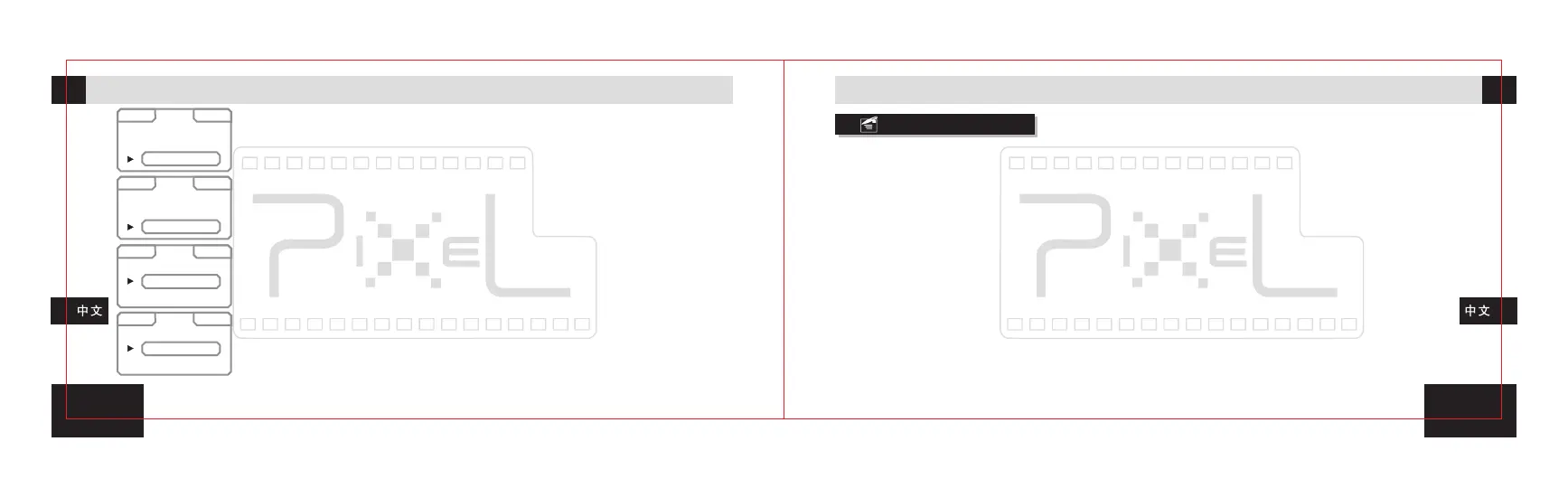
SAVE: Screen shot saving setting: Save before taking the shot (BEFORE),
Save 1.8 sec after taking the shot (AFTER), No saving (OFF).
DRIVE: Shutter function setting: Single shooting (SINGLE), Continuous
shooting (CONTINU), 2sec Delay shooting (DELAY 2S), 5sec Delay shooting
(DELAY 5S), 10sec Delay shooting (DELAY 10S).
AVOUT: Video output setting: External AV video interface (TV), LCD display
screen (TFT LCD).
*With connected external monitor, randomly to switch between the external
monitor and the LCD display.
VER: Version checking function: to check the version of transmitter and
receiver.
Single Shooting:
Set the receiver shutter function as single shooting (SINGLE), and set the camera shutter function as
single shooting.
Continuous shooting:
Set the receiver shutter function as continuous shooting (CONTINU), and set the camera shutter
function as continuous shooting.
BULB:
Set the receiver shutter function as continuous shooting (CONTINU), and set the camera shutter
function as BULB.
Delay shooting:
Set the receiver shutter function as two sec delay shooting (DELAY 2S), and set the camera shutter
function as single shooting.
Half press receiver shutter release button to focus; full press the receiver shutter release button to
shoot after two sec.
*Three grades of delay time: 2 sec, 5 sec, and 10 sec.
S A V E
S A V E
D R I V E
AVO UT
VER
VER
AVO UT
AVO UT
D R I V E
D R I V E
S Y N C
BEF OR E
SIN GL E
TV
TX 000.000
RX 015.013
AFT ER
CON TI NU
TFT L CD
OFF
DEL AY S2
Remote Shooting
UsageUsage



 To Next Page