Function Descriptions
Planar PS Series User Guide 41
Function Descriptions
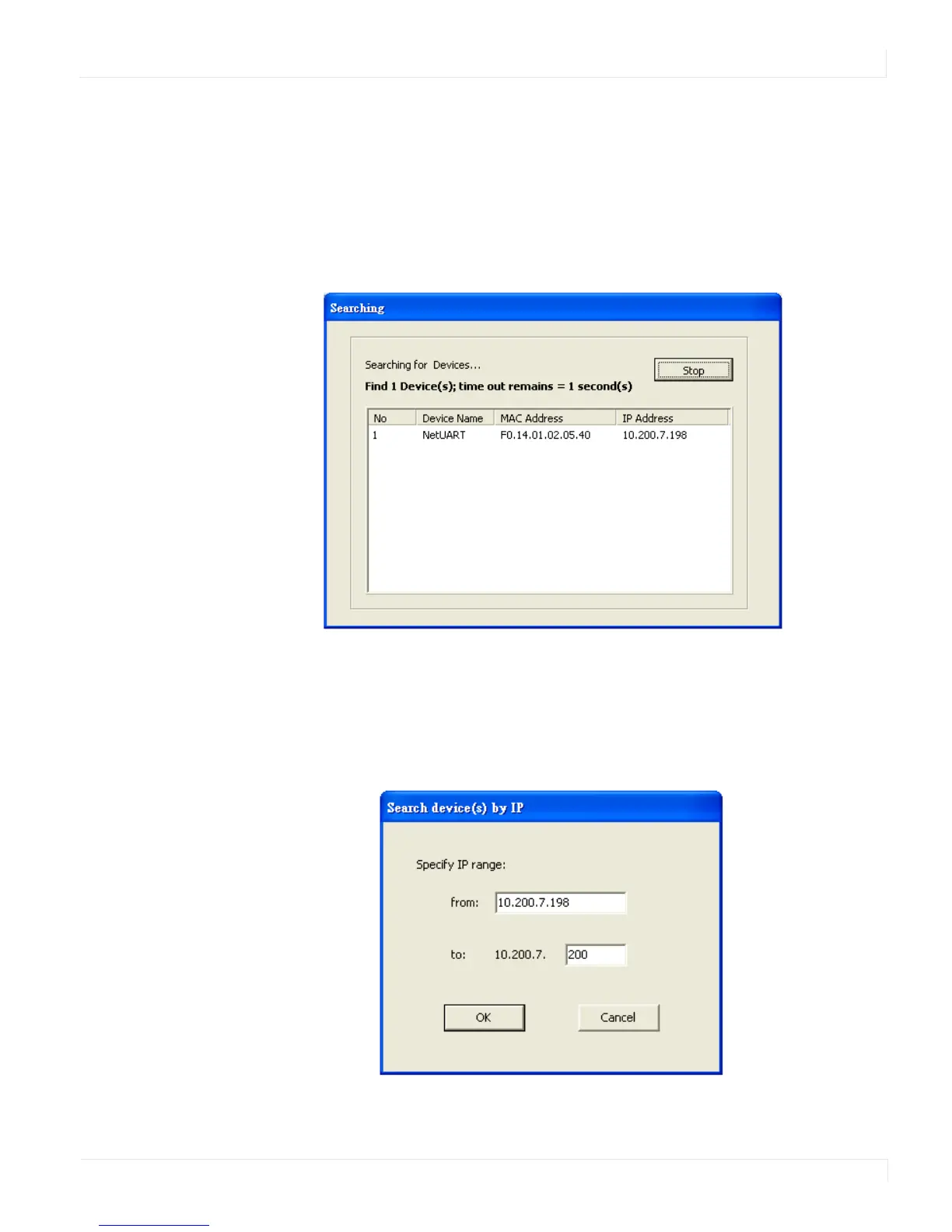
Search
In the Device Info page, click the Search icon. This function searches for any devices
that are connected to the same network segment (maximum of 254 devices) as your
PC. Any devices found will be listed in the Device Info table.
Search By IP
On the Device Info page, click the Search by IP icon. This function searches for any
devices in the given IP address range. Any devices found will be listed in the Device
Info table.



 To Next Page