VIP User’s Manual
Configuring VIP from a Web Browser
14
• Specify an IP address set ON.
• IP Address: 192.168.0.2
• Subnet Mask: 255.255.255.0
Restart your PC and Start your WEB browser.
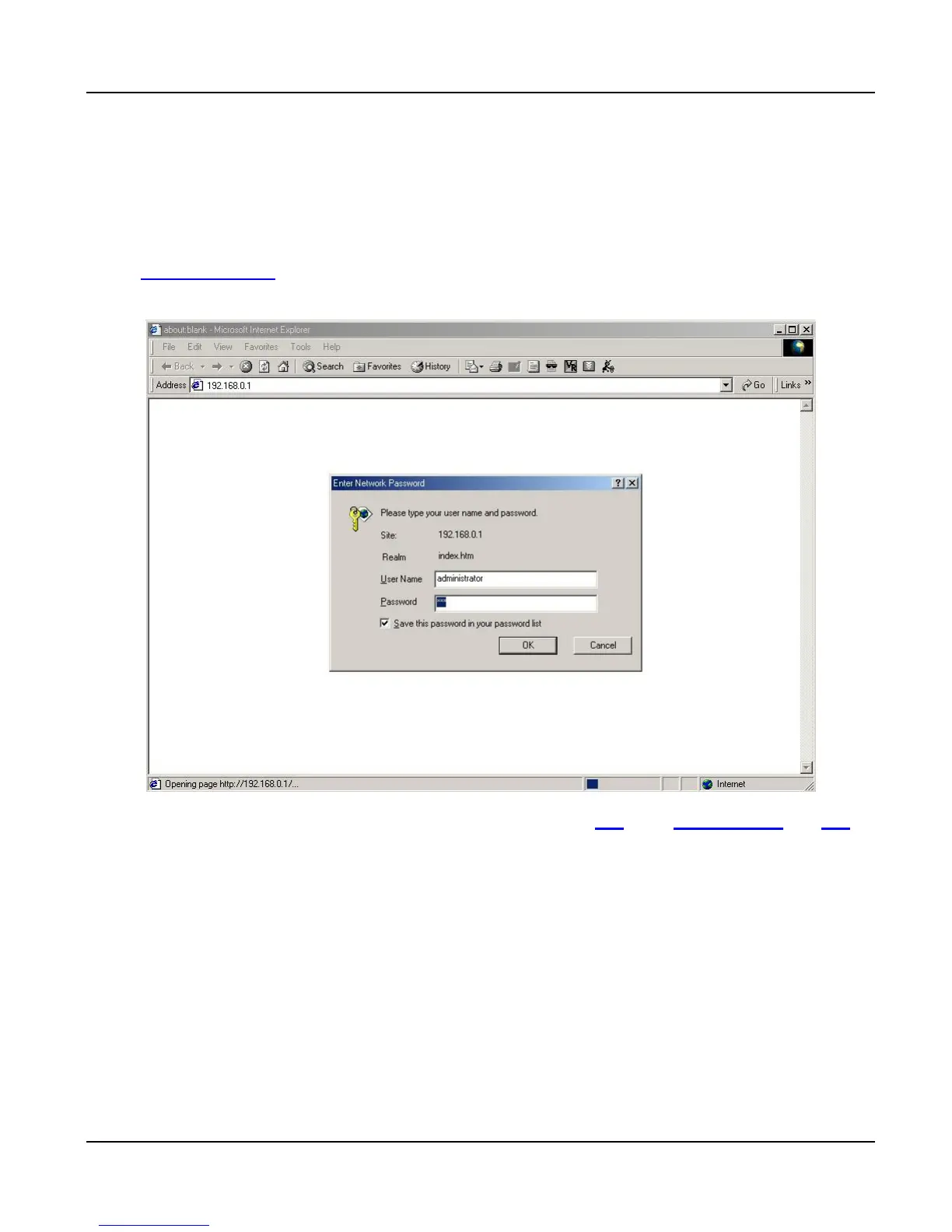
6. In the Address box, enter the following:
http://192.168.0.1 (Default IP address in VIP-000/200/400/400FS/400FO.)
7. Press enter to confirm and you should find the screen below.
8. The User Name is administrator (all lower case). Password is 123. Both administrator and 123
are default strings from factory). For security reasons, please change and memorize the new pass-
word after this first setup.
9. Click “OK”. The main screen will appear as below.



 To Next Page