VIP User’s Manual
Application Samples
44
After these modifications, users on site A are able to dial “66 + telephone number” to connect users on
site B to have voice conversation. Users on site B are able to have voice communication via dialing
number “77 + telephone number” toward users on site A. (please note that there is a Max digits (8) limi-
tation of dialstring in this case, users may modify this parameter to meet different needs.)
Scenario II: VIP co works with (NAT) router which has built-in DDNS client:
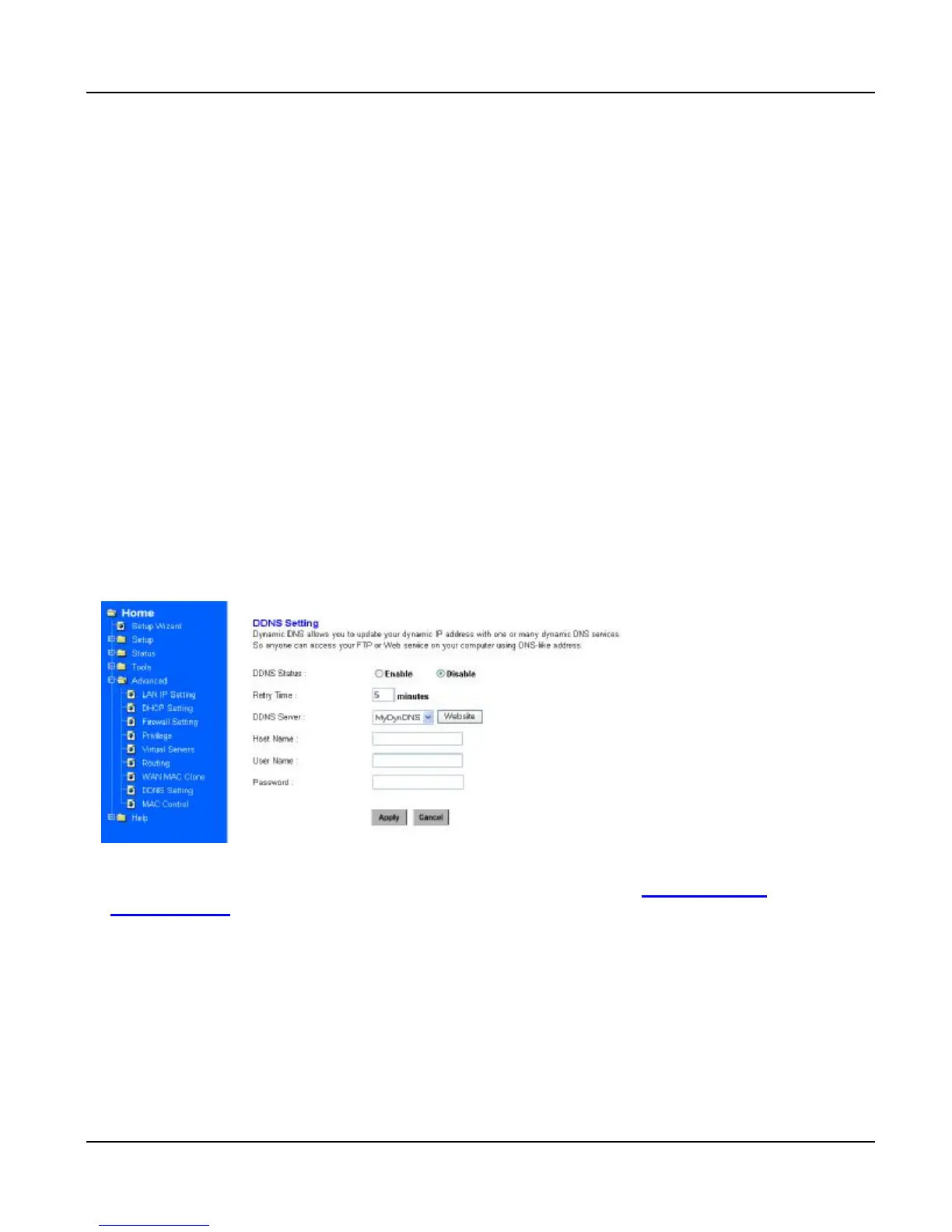
In this scenario, PLANET XRT 401B is used for DDNS and DMZ features illustration
<DDNS setting screen of XRT-401B>
a) Enable DDNS feature in XRT-401B.
b) Insert the registered DDNS name, and username/password applied from www.dyndns.org or
www.dtdns.com
c) Click “Apply”, and check if DDNS service is effective in machine status log.
Note:
DDNS feature might come from different router vendors. Please refer to respective user’s manual for
DDNS feature explanation and configuration
Please note that DDNS client in VIP series is not suggested working in NAT environment.



 To Next Page