VIP User’s Manual
Application Samples
45
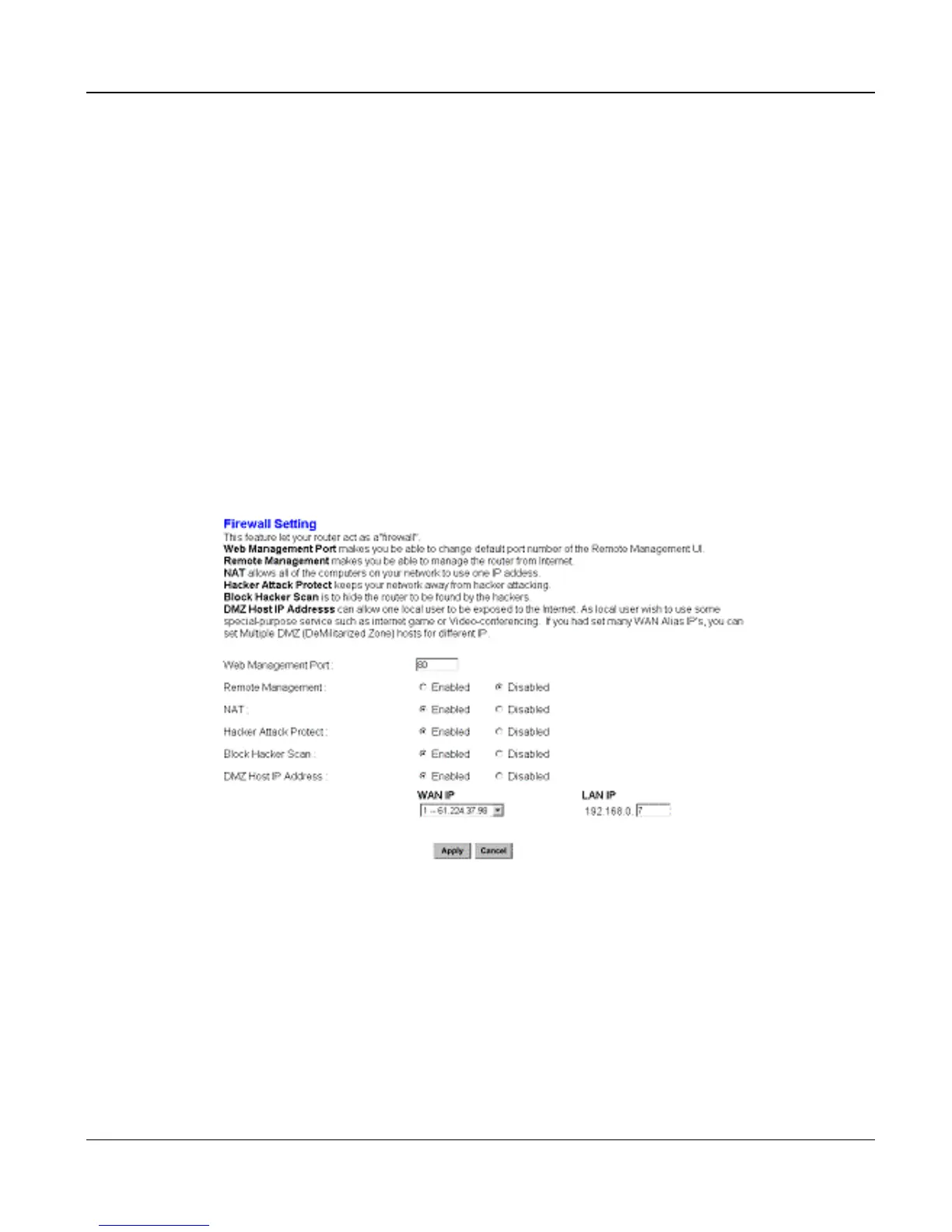
<DMZ setting screen of XRT-401B>
a) Enable DMZ feature in XRT-401B.
b) Go to “Advanced” – “Firewall” Option menu, and find the “DMZ” function.
c) Click on the “WAN IP“ tab to enable the desired IP address to destination VIP.
d) Click “Apply” to make DMZ feature effective on VIP.
Network topology can be shown below:



 To Next Page