VIP User’s Manual
Configuring VIP from a Web Browser
22
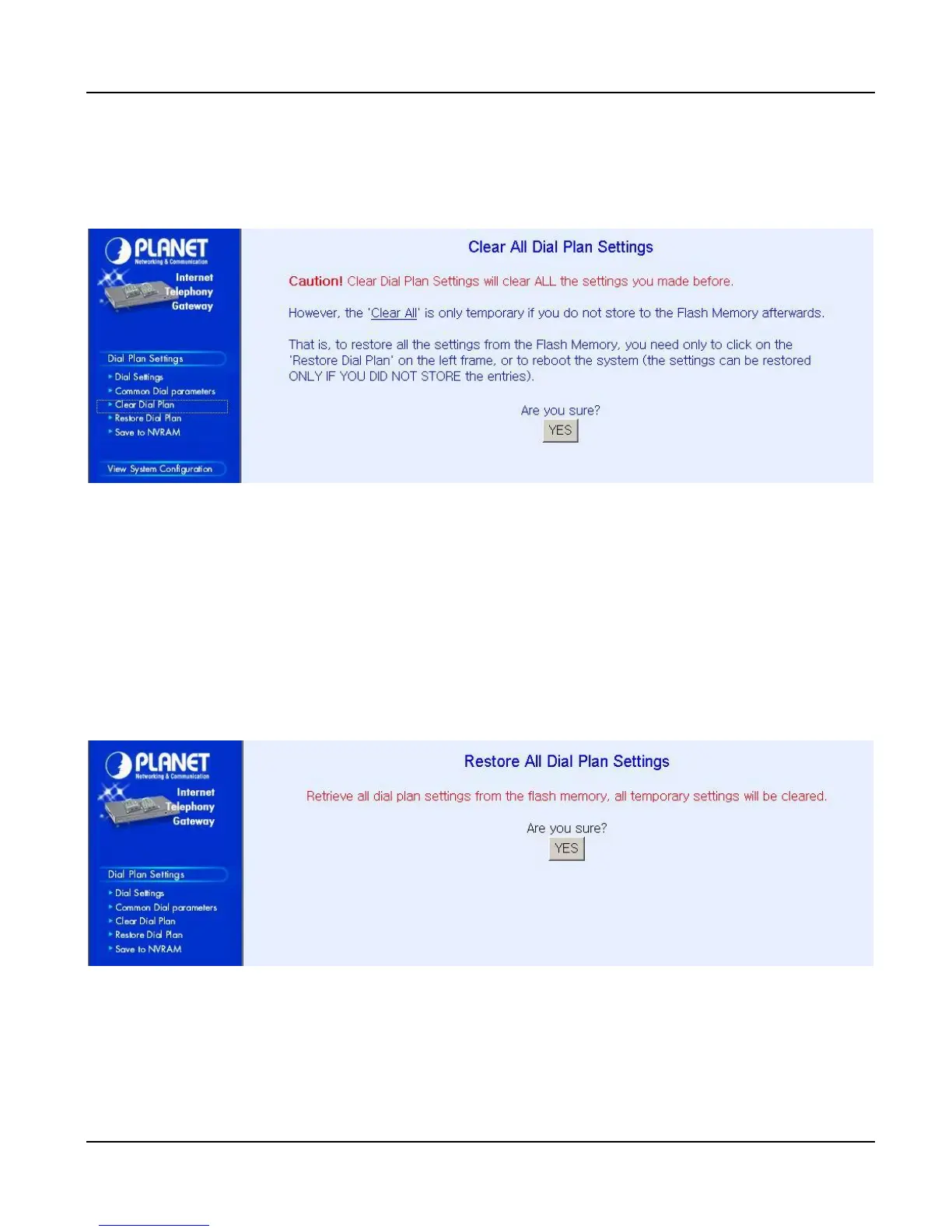
4.1.2 Clear DialPlan
Please select Main Menu\Dial Plan\Clear All Dial Plan Settings
Clear All Dial Plan Settings will clear all the settings you made before. However, the 'Clear All' is
only temporary if you do not store to the Flash Memory afterwards.
That is, to restore all the settings from the Flash Memory, you need only to click on the 'Restore All En-
tries' on the left frame, or to reboot the system (the settings can be restored ONLY IF YOU DID NOT
STORE the entries).
4.1.3 Restore DialPlan
Please select Main Menu\Dial Plan\Restore All Dial Plan Settings
Retrieve all dial plan settings from the flash memory. All temporary settings will be cleared.



 To Next Page