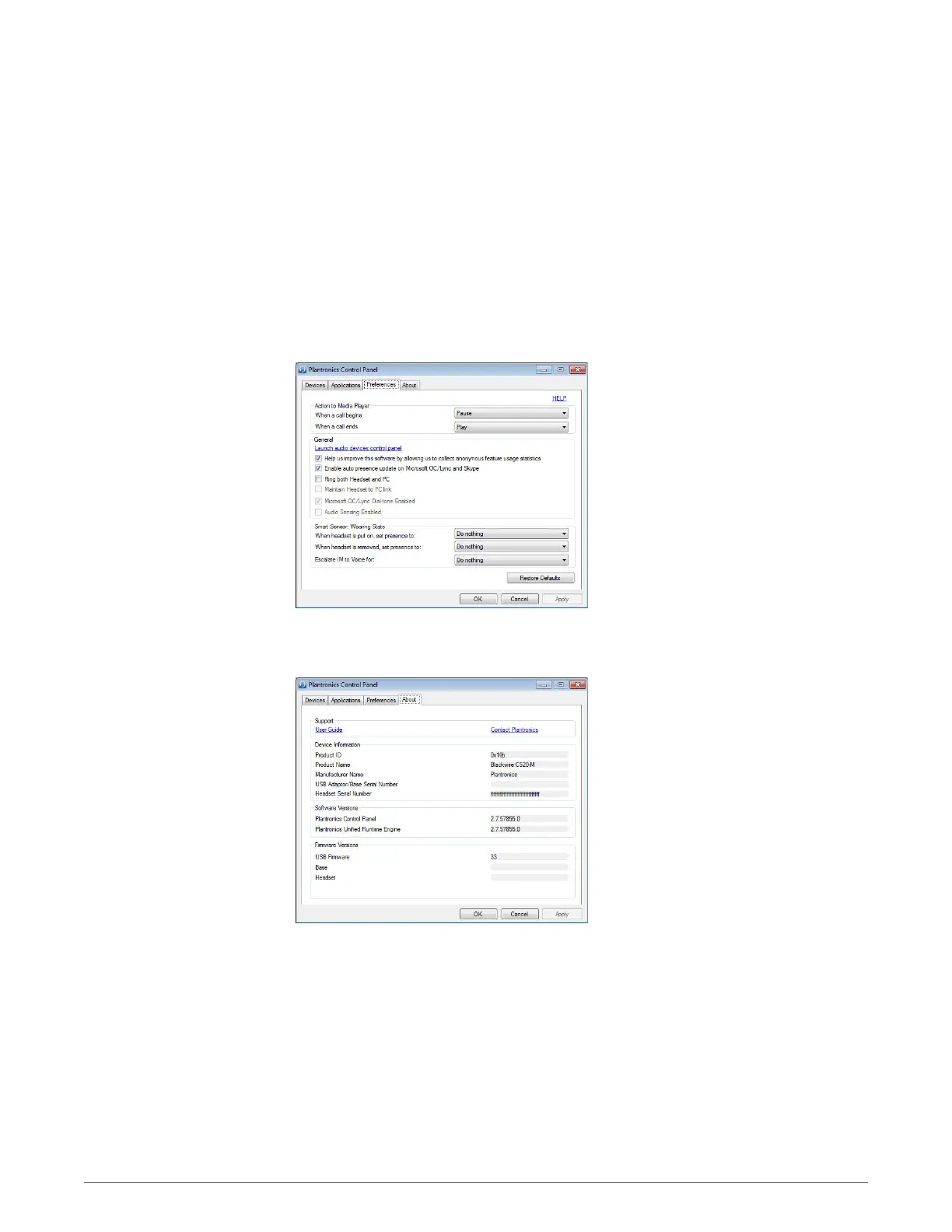
Allows you to set preferences for:
•
Media player Modify call action: Pause, Play, Mute or Do nothing
•
General use
•
Presence status based on wearing state (dependent upon softphone compatibility) When
headset is put on, or removed, set presence to: Available, Busy, Do not disturb, Be right back or
Offline
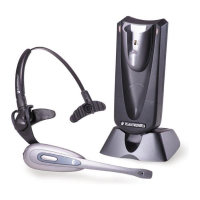
Provides online access to the user guide and support and displays your headset system's
information.
Preference tab
About tab
10











 To Next Page