2
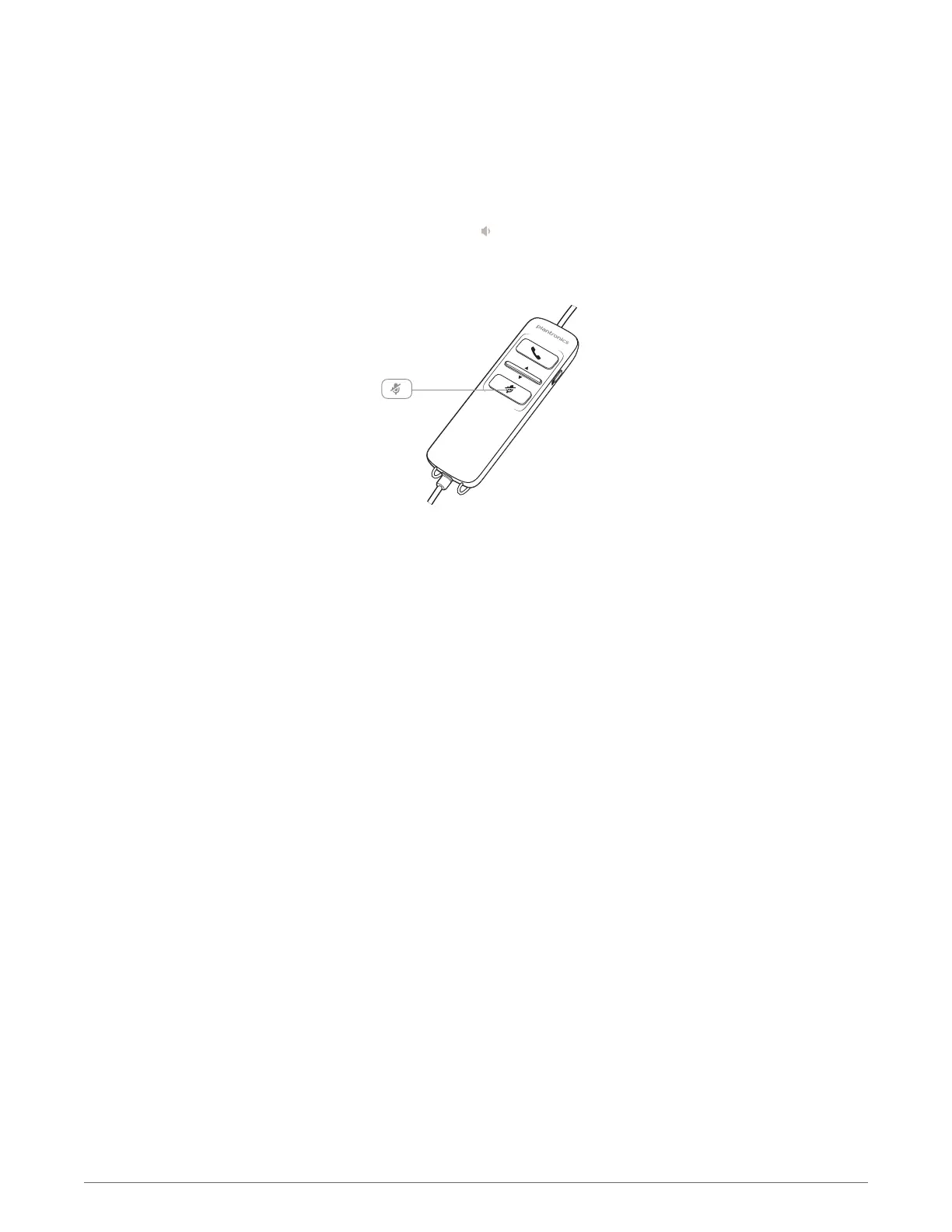
Press the volume down button on the headset inline control to decrease listening volume.
1
During a call, press the mute button on the headset inline control to mute the microphone.
When mute is on, the mute LED is solid red (you will still be able to hear the caller).
2
To turn mute off, press the mute button again.
Mute a call
8











 To Next Page