37
PS2_0001 [EN]
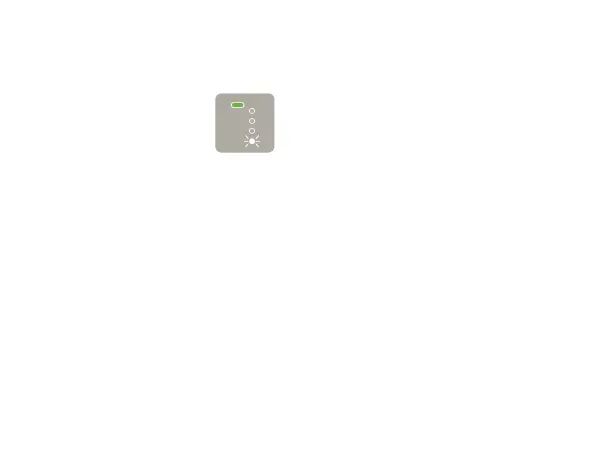
When you check the remaining
battery level, one of the Status
Indicator LEDs flashes.
If the LED is flashing slowly,
this means that the remaining
battery level is extremely low.
Charging is recommended. If
the LED is flashing rapidly, the
battery is depleted and you
cannot use the device. Please
charge the battery (Page
17).
If charging does not resolve
the issue, there may be a
malfunction. Discontinue use
of the device and contact
“Ploom Exclusive Customer
Service” (back cover).
You have been charging the battery
for a long time, but not all of the
Status Indicator LEDs are lit up yet.
• Charge the battery using the dedicated
AC Adaptor. If you use a product other
than the dedicated AC Adaptor, charging
may take a long time.
• Check for dirt on the USB Type-C Jack
of the device, the connectors of the USB
Type-C Cable, or the USB jack of the AC
Adaptor. If they are dirty, wipe them o
with a soft, dry cloth. Then, reconnect
them and try charging again.
• If they are not dirty, there may be an
issue with the device, AC Adaptor, or USB
Type-C Cable. Please contact “Ploom
Exclusive Customer Service” (back cover).
• Do not use products other than the
dedicated AC Adaptor and USB Type-C
Cable. Doing so may cause an unexpected
injury or malfunction.



 To Next Page