E-26
Power Cable Connections and Switching the Power On/Off
Finishing
1
Switch off the power of the connected equipment
2
Switch off the power of the projector
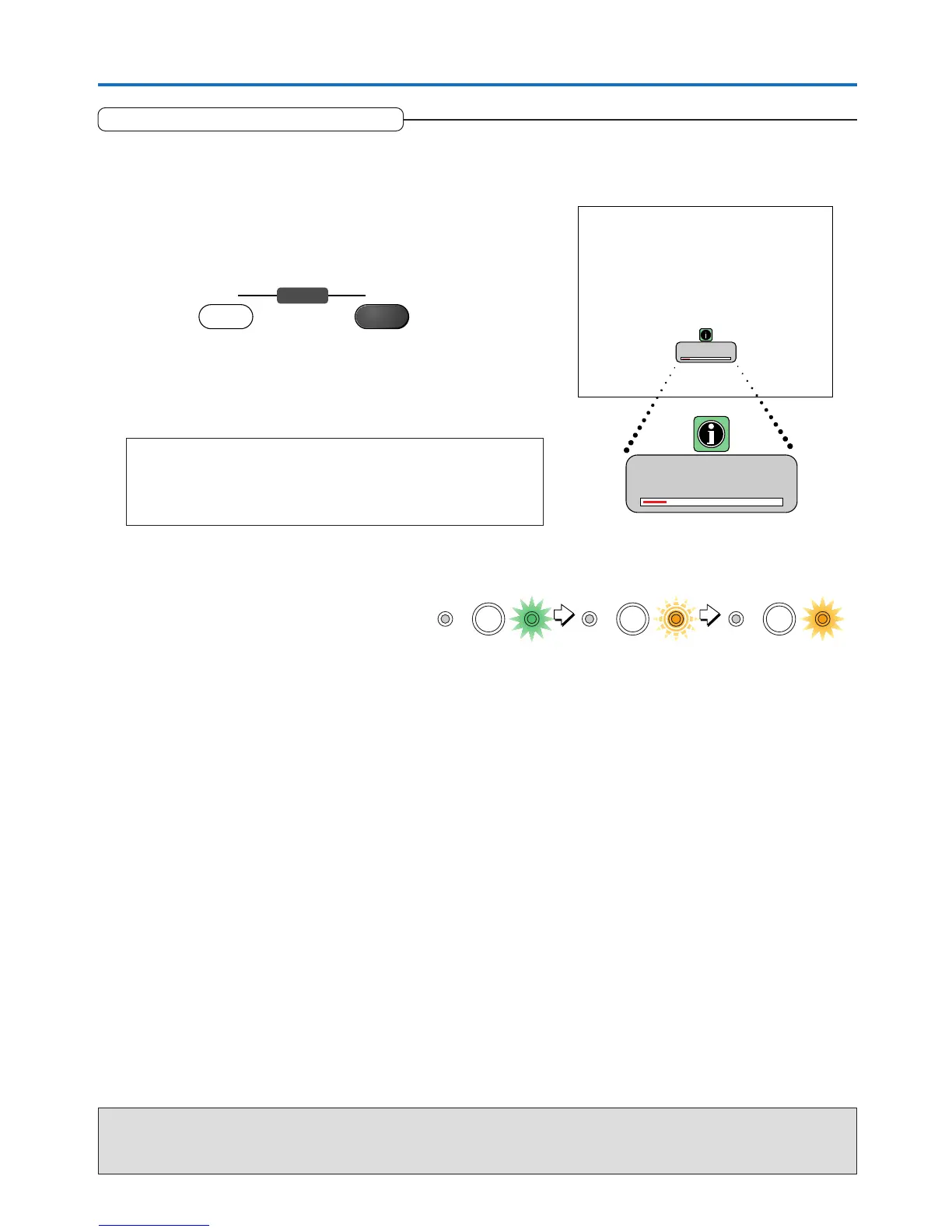
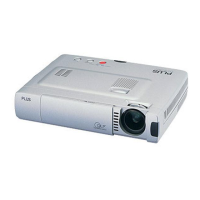
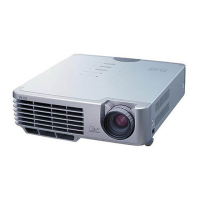
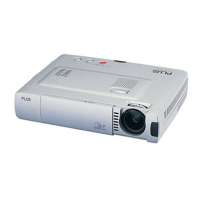
Main unit operation: Press the STANDBY button.
Remote control operation: Press the STANDBY OFF button.
The [Power Off] display appears.
When the level gauge reaches maximum, the projection screen will go
off (in about 5 seconds) and the projector will enter the power-off op-
eration.
Note
* The operation can be cancelled by pressing a button other than the
STANDBY button.
* One more press of the STANDBY (STANDBY OFF) button will switch off
the power.
Flashing amber
(Approximately 60 seconds)
Lit amber
Standby mode
The STANDBY indicator changes to flash-
ing amber and lights a steady amber after
about 60 seconds (when the unit enters the
standby mode).
3
Unplug the power cable
Check that the STANDBY indicator is lit in amber and then unplug the power cable.
The STANDBY indicator will go off when the power cable is unplugged.
Warrning
Do not unplug the power cable while the STANDBY indicator is flashing amber. Doing so may shorten the life of the lamp
or damage the projector.
ON OFF
STANDBY
Power Off
OK
?
Power Off
OK
?
STATUS STANDBY STATUS STANDBY STATUS STANDBY
Lit green



 To Next Page