E-40
Menu Operation Method
6
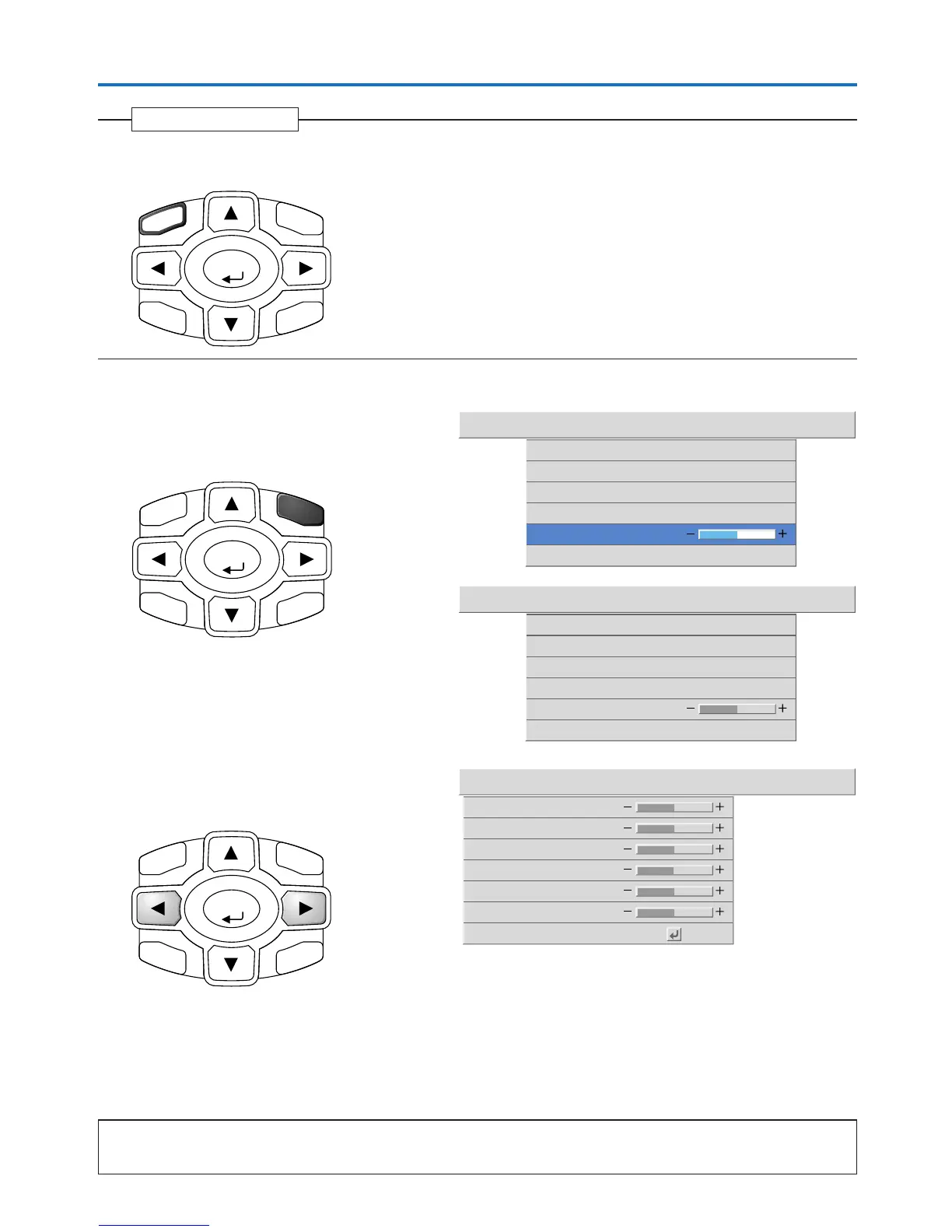
Press the MENU button and close the menu display
Closing the Menu
MENU
ENTER
CANCEL
TIMER
KSTN
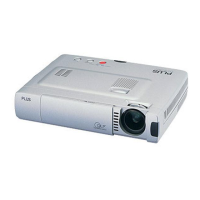
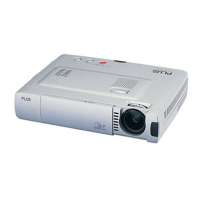
Selecting Another Menu Name with Remote Control Operation
When a sub menu is displayed, press the CANCEL but-
ton and close the sub menu.
Press the CANCEL button again and cancel the cursor
display.
Press the SELECT 왗왘 button and select the menu name.
(Selection of the menu name is not possible while the
cursor is displayed.)
Note
A press of the QUICK button while the menu is displayed will close the menu and display the quick menu. A press of the MENU button while
the quick menu is displayed will close the quick menu and display the menu.
CANCEL
ENTER
TIMER
KSTN
MENU
Filter
Vertical Flip
Horizontal Flip
3
Keystone Save
Image Color View Setup Info.
Aspect Auto
Off
Off
On
Keystone
0
Filter
Vertical Flip
Horizontal Flip
Keystone
0
3
Keystone Save
Image Color View Setup Info.
Aspect Auto
Off
Off
On
Image Color View Setup Info.
Contrast
0
Picture Adj.
0
Fine Picture
48
H Position
0
V Position
0
Reset
Brightness
0
ENTER
CANCEL
TIMER
KSTN
MENU



 To Next Page